You know you saved it. You don't know where.


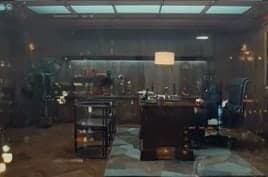
Instagram, Pinterest, screenshots, folders. Draftt keeps everything you save in one private library and makes it searchable by color, by what is in the image or even by its characteristics, like the light or the framing.
No folders, no tags. Type what you remember and it shows up.
It's in your Instagram saves.Or on a Pinterest board.Or it was a screenshot.In Draftt you save it once and always find it.
Save it from where you saw it.
The extension puts a Save button over the images and videos of any page. You can also paste a link from Instagram, Pinterest, Savee, Cosmos or Are.na, or drop in your files.
- Are.na
- Cosmos
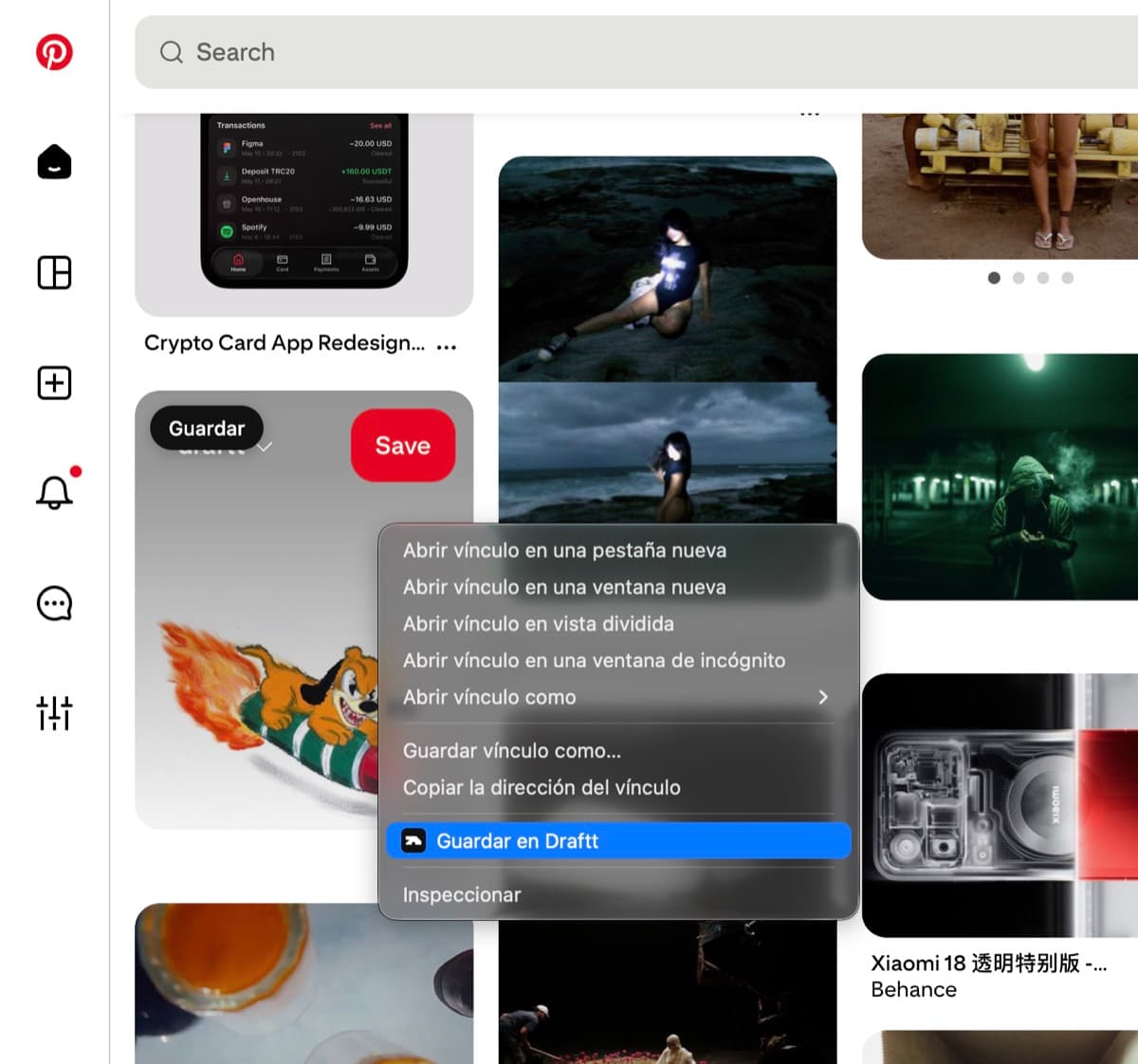
And it remembers where it came from.
Every image keeps its page, who posted it and the original link. Months later you know who to credit and where to find more.
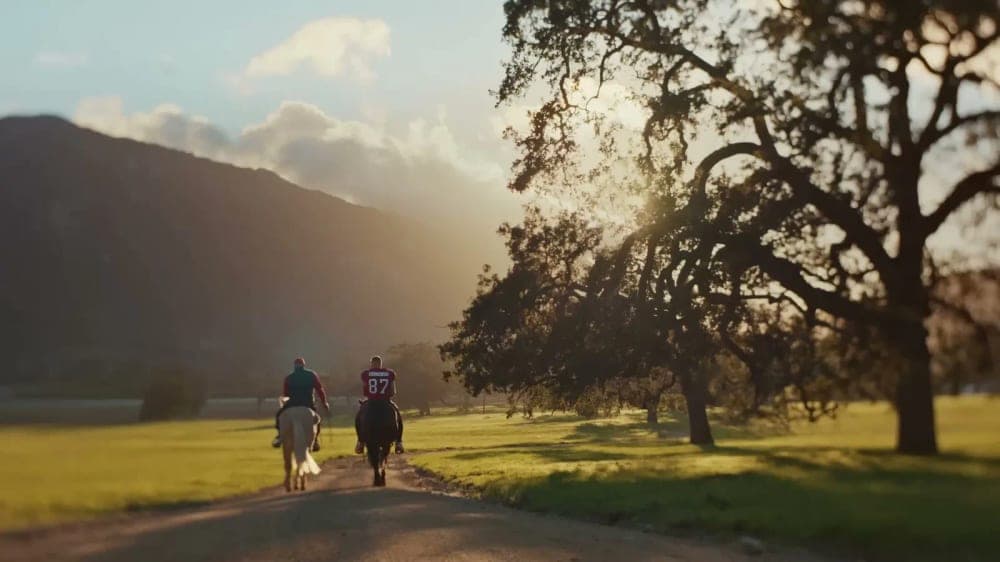
From a save to the moodboard, with nothing to download.
Your library sits beside the board: drag what you saved onto the canvas or into a deck. And your AI, connected through MCP, searches it for you.
Connect your AI
NIGHT · STREET

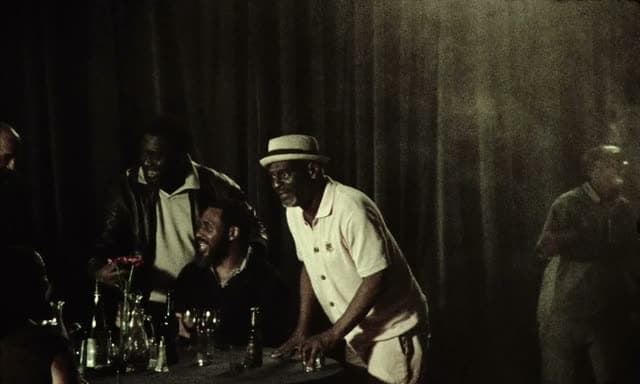

FIRE
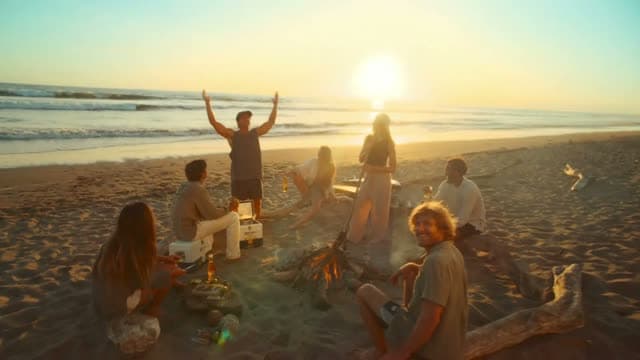
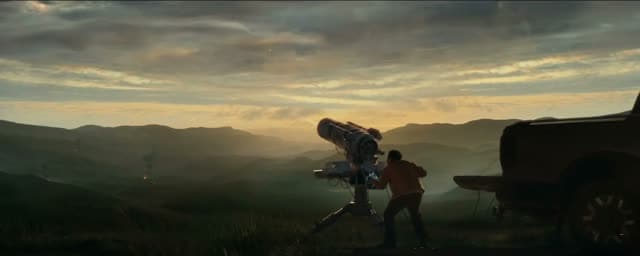
CONCEPT
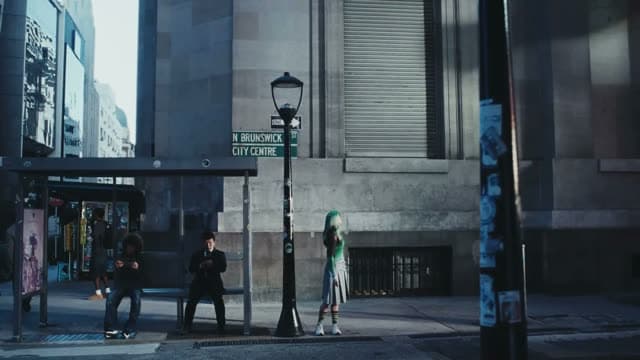
Small figures in huge, cold landscapes. Warmth shows up only as fire.
 Claude
Just for you
Nobody else sees what you save. Each team has a library of its own, apart from yours.
Videos too
Save a page's video or an Instagram reel, and watch it in your library.
Whole pages
Save a website as a reference: Draftt captures its first screen and keeps the link.
Frequently asked questions
Is it free?
Yes. The free plan saves 10 images a month with the extension and 50 Explore frames, with 50 MB for your files. Pro saves 1,000 a month, with 100 GB, for US$12 a month.
Which sites can I save from?
Any page, with the extension. Paste a link from Instagram, Pinterest, Savee, Cosmos or Are.na and Draftt brings in the image or the video with the name of who posted it.
Which browsers does the extension work in?
Chrome, and also Edge, Arc and Brave. It saves with your Draftt session, with no other account or password.
Who sees what I save?
Only you. If you work with a team, you choose in the extension whether something goes to your library or to the team's, which its members see.
How do I find it without tags?
When you save, Draftt reads each image: what it shows, the text in it, its colors and its characteristics, like the light, the framing or the style. Later you search with words, with a color, or by asking for images like another.
Can my AI search my library?
Yes. With Draftt's MCP, Claude, ChatGPT, Codex or Gemini search what you saved and place it on your boards.