The mood board maker built around references.
Start from a template or a blank board, bring in frames from real commercials, music videos and films along with everything you save, and lay them out with your team. On the web, iPhone and iPad.
How to make a mood board in Draftt
- 01
Start from a template
Pick a mood board template for film, advertising, music video, fashion or a brand, or open a blank board. Each template says what to decide in each card.
- 02
Bring in your references
Search Explore's hand-picked frames by what they show, by color or by lookalike, drag in what you saved, upload your own files or paste a link from Pinterest or Instagram.
- 03
Arrange and decide
Group images in cards, write what each one is for, add a palette, type and arrows. Videos play on the board, and you can grab frames from them.
- 04
Share or present
Invite your team to edit and comment on the canvas, send a link that opens without an account, or turn the board into a deck for the client.
References worth putting on a board.
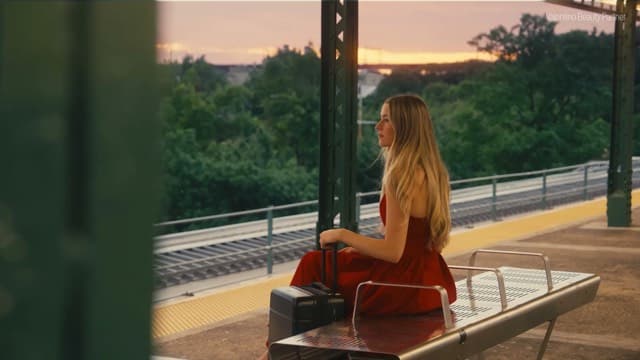
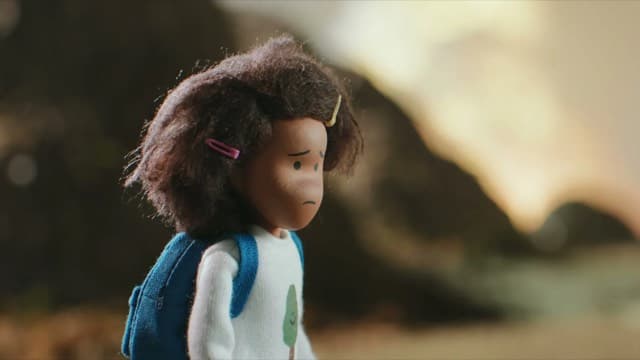
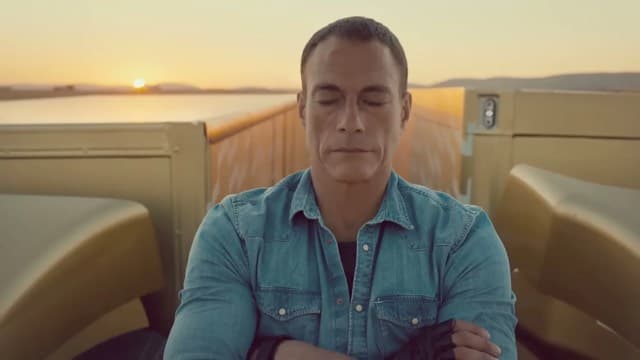
Explore is a catalog of frames from commercials, music videos and films, picked by hand and credited: director, cinematographer, production company. Nothing in it is generated.
See the references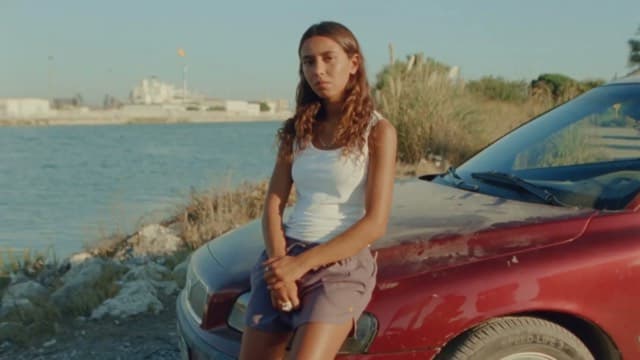


Everything you saved, one search away.
The browser extension saves images and videos from any page, and links from Pinterest, Instagram, Savee, Cosmos and Are.na come in with their source. Search all of it by what it shows, right from the board.
See the library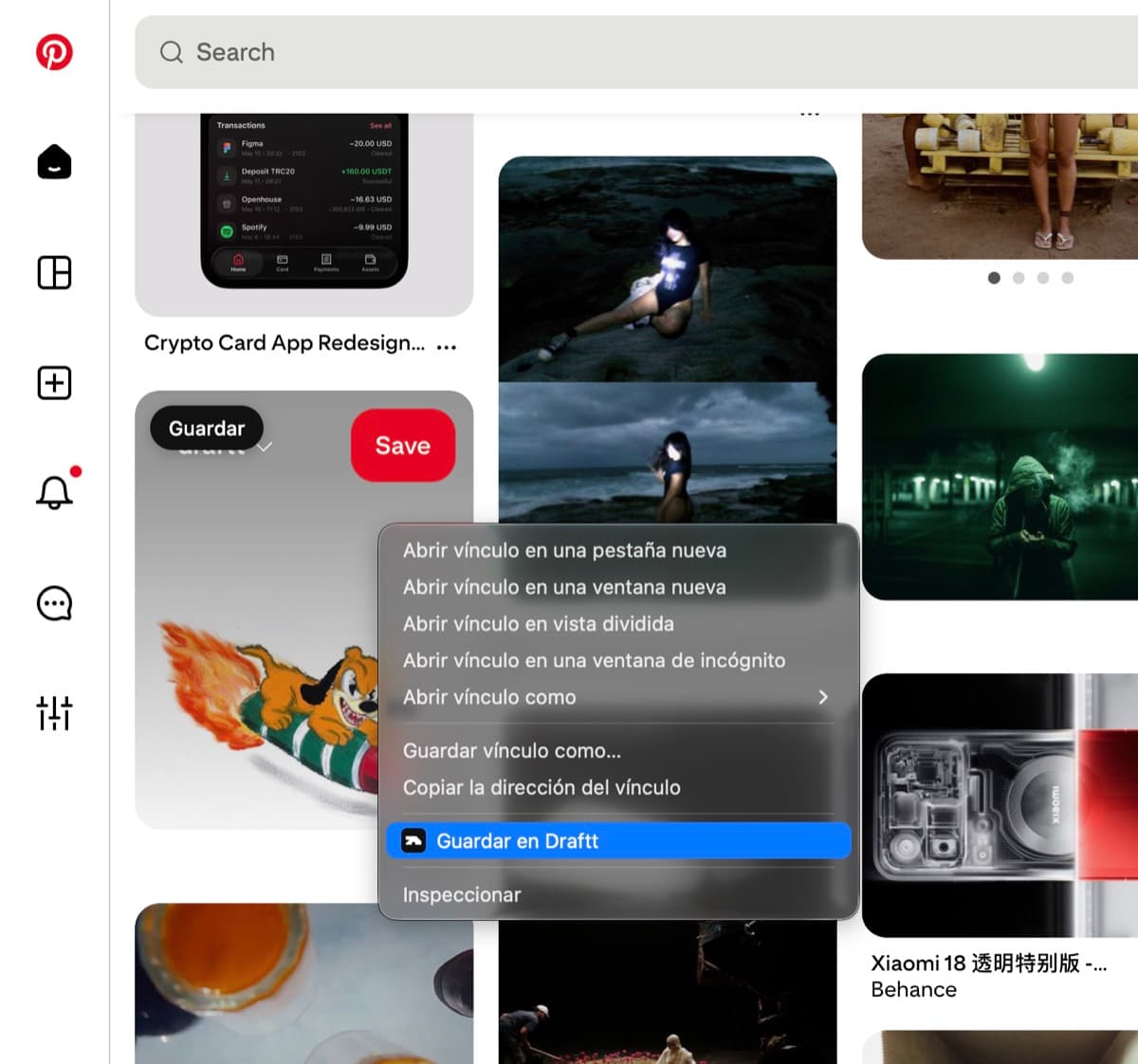
Your team and your AI on the same board.
Edit together in real time and comment on the canvas. Claude or ChatGPT connect through MCP, search your references and lay out frames with you, with their own cursor.
Connect your AI
NIGHT · STREET
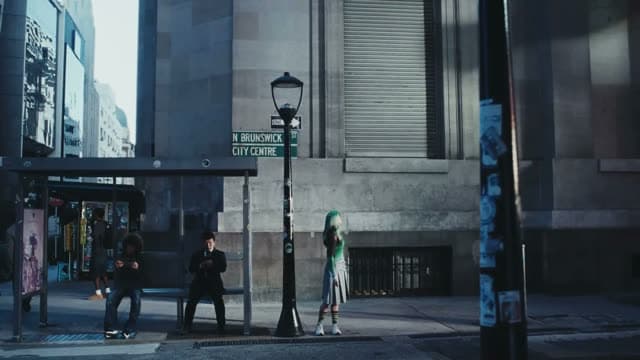

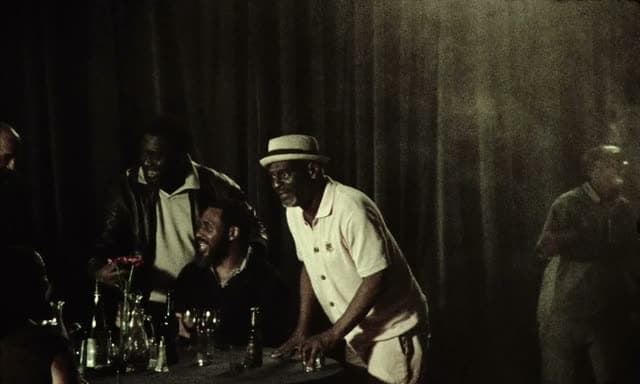
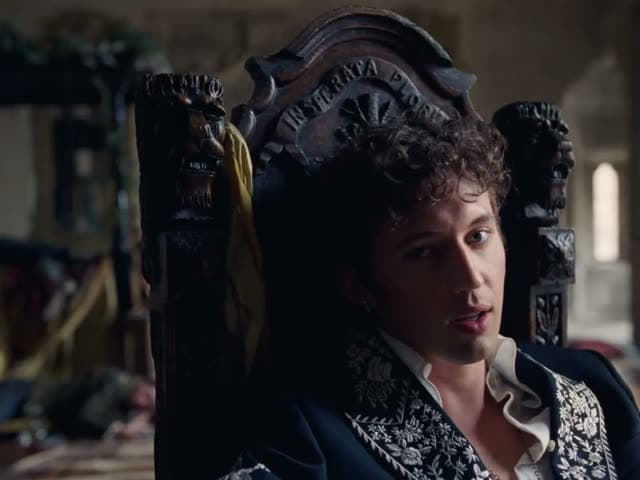
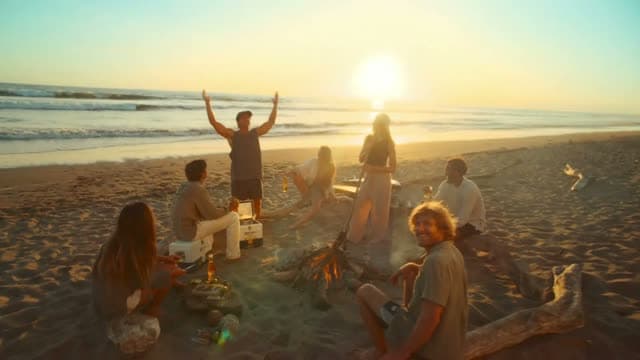
FIRE

CONCEPT
Small figures in huge, cold landscapes. Warmth shows up only as fire.
 Claude
From mood board to deck.
When it is time to present, turn your references into slides with a treatment or pitch template, or bring in your Canva design.
See the presentation templates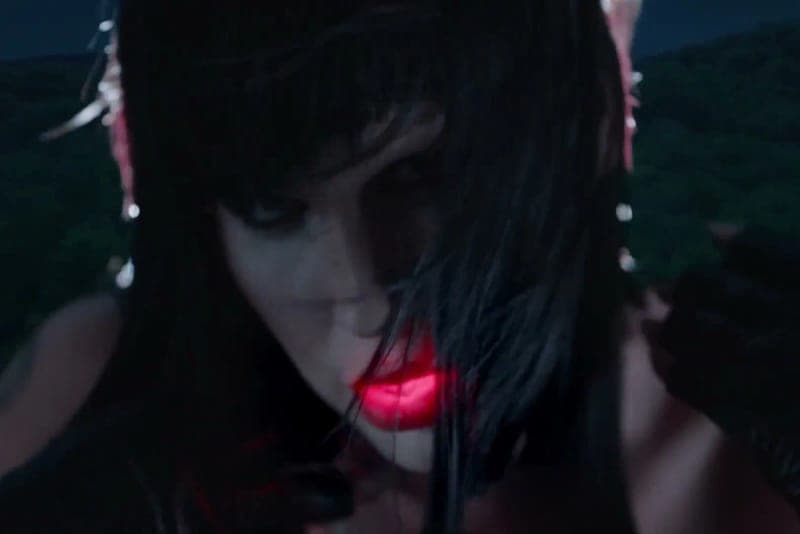
Pitch · Bad Bunny

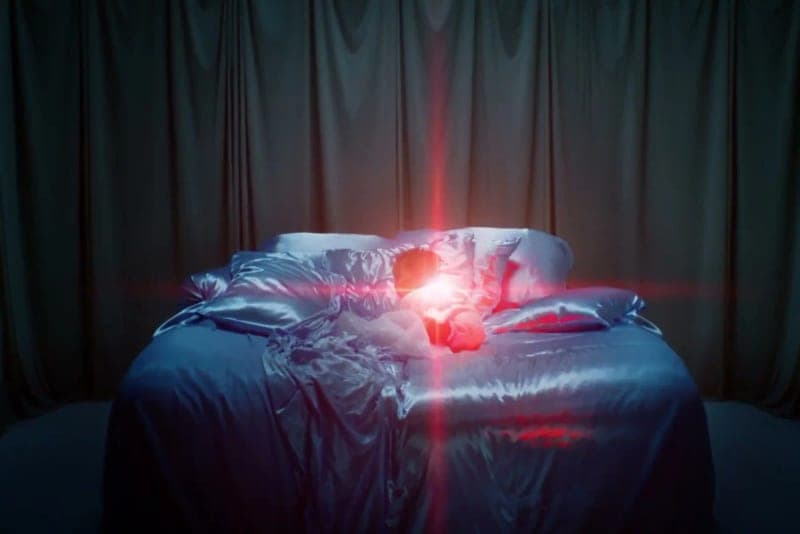
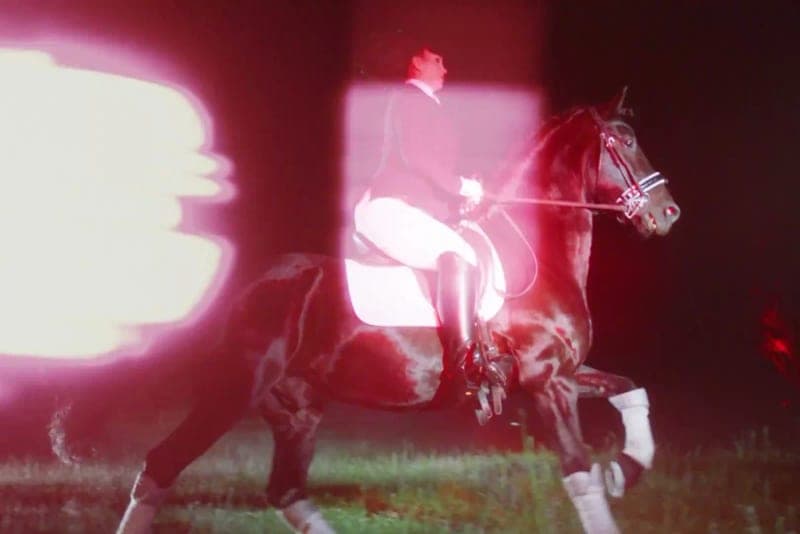
Mood board templates
Real boards made with frames from the catalog, ready to change: film, advertising, music video, fashion and brands.
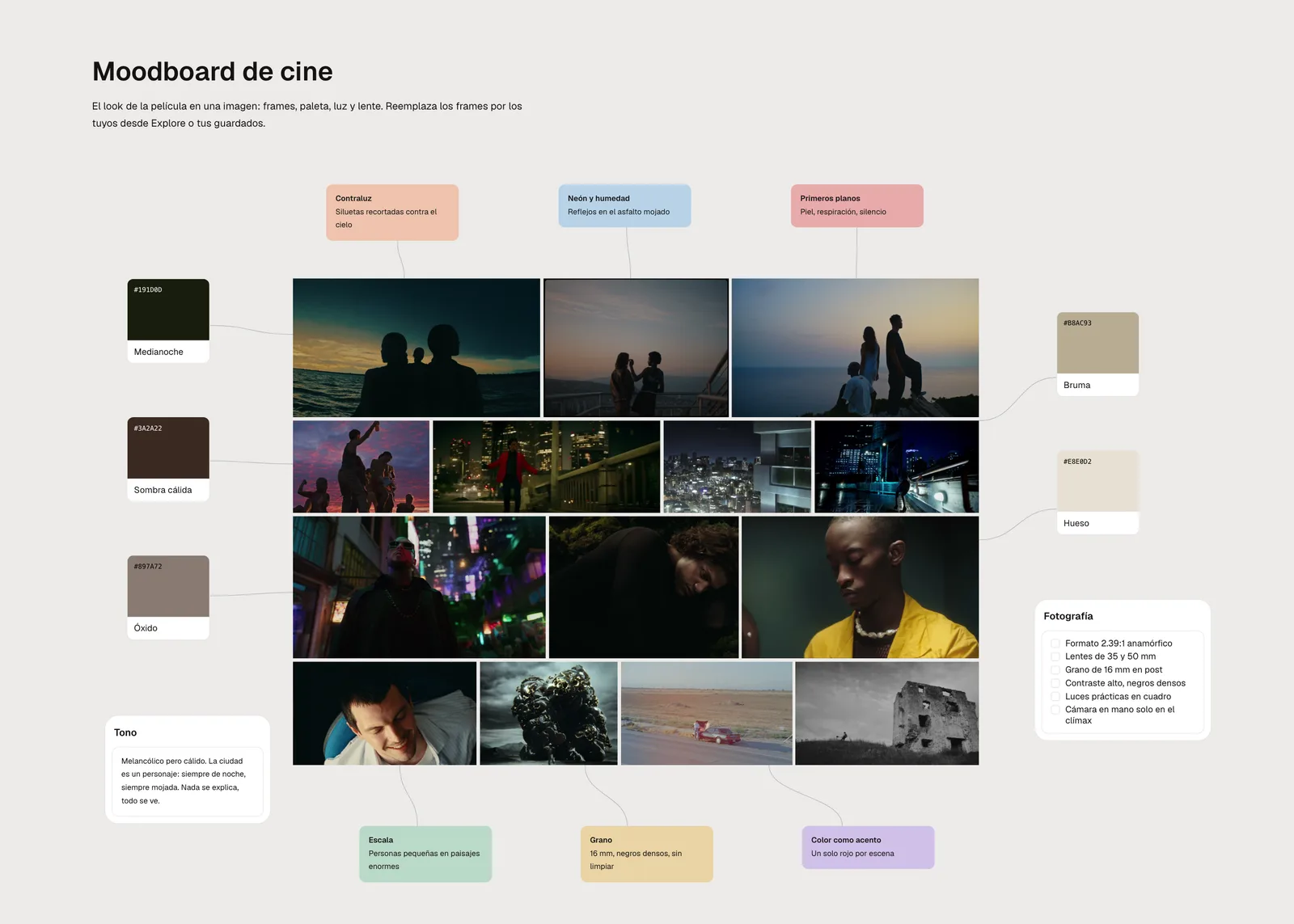
Film moodboard
Draftt
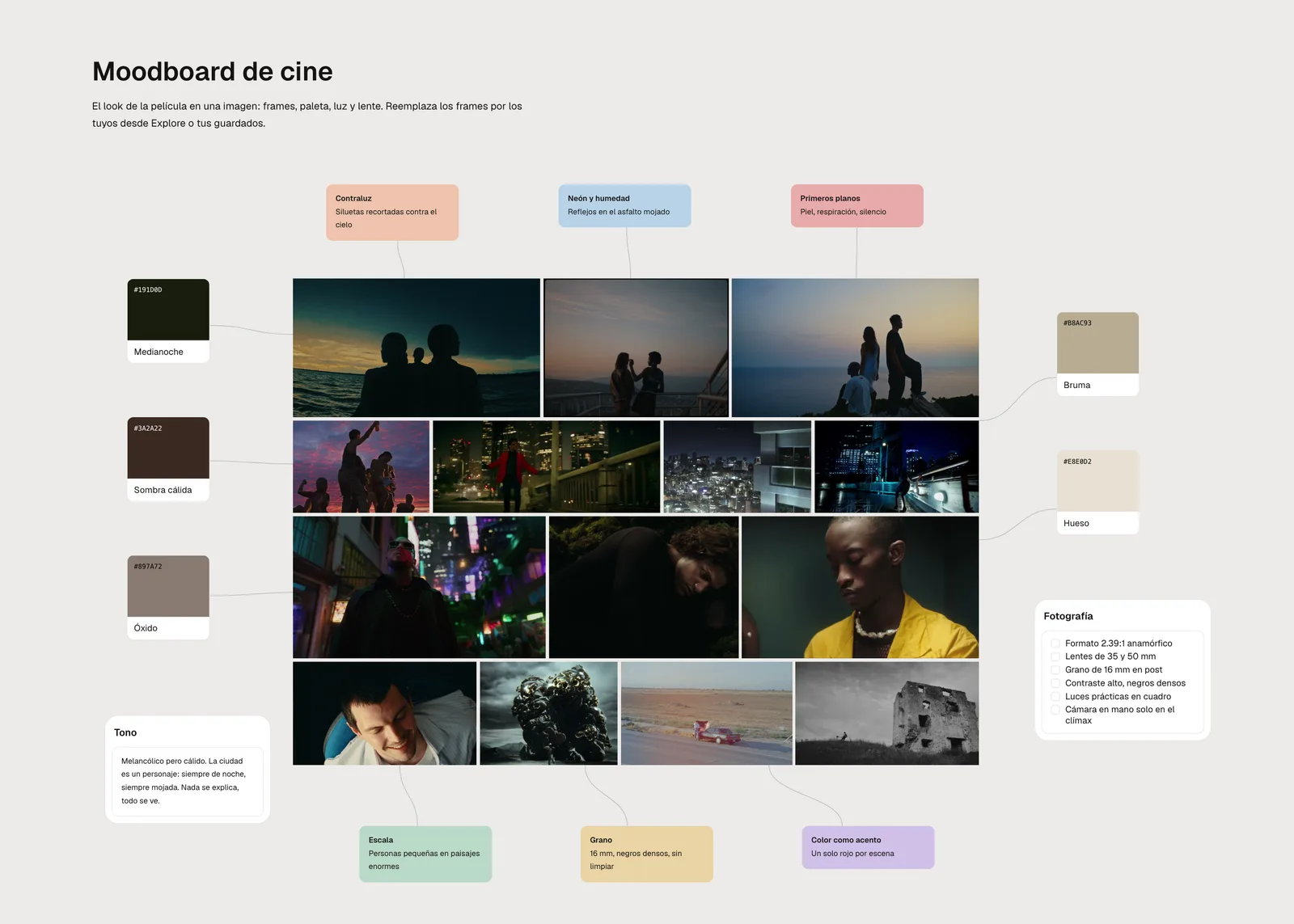
A moodboard to find a film's look before shooting it: a collage of reference frames in the middle, the palette with its names, the light and lens ideas connected to the images that show them, and the cinematography decisions on one card.
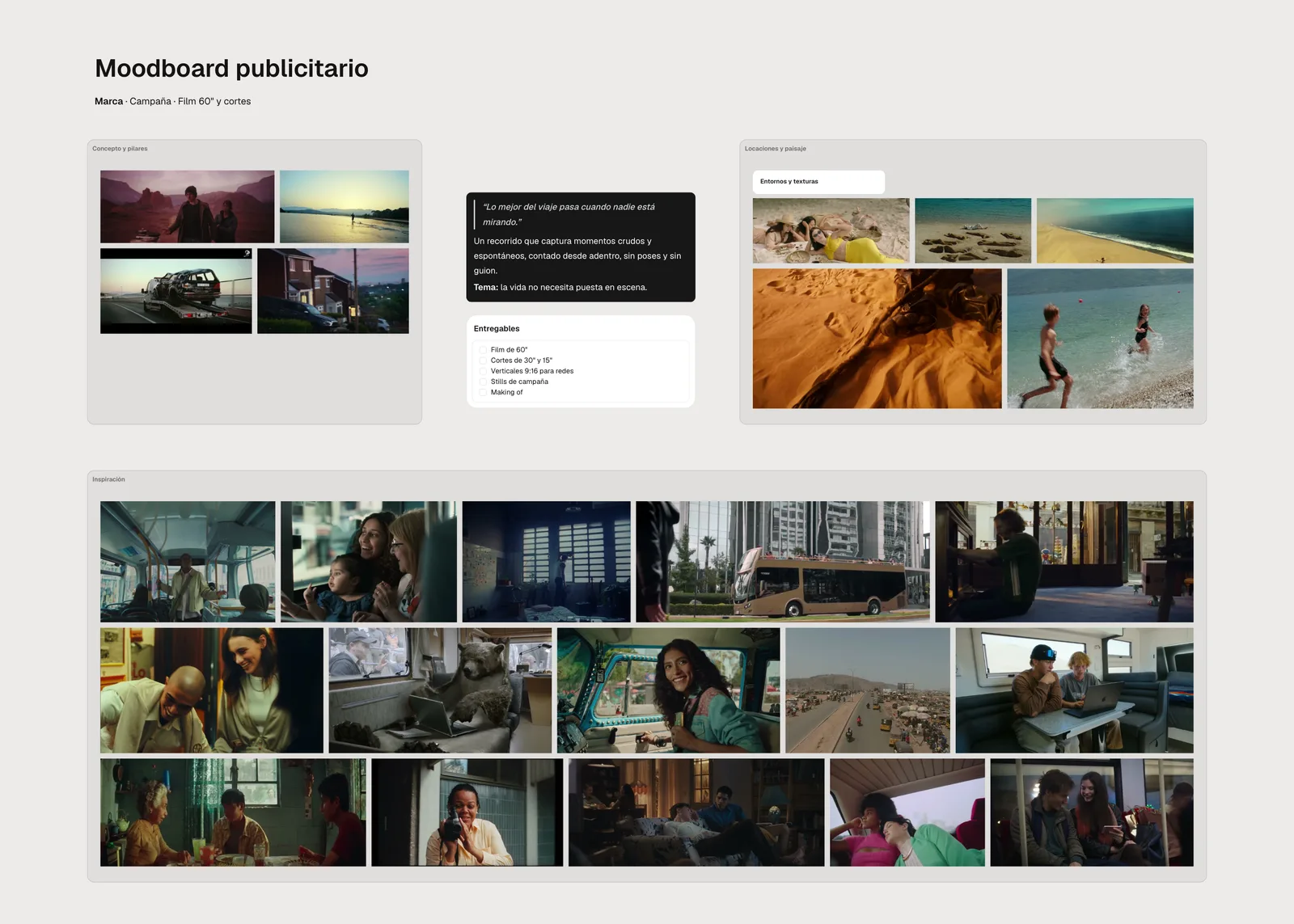
Advertising moodboard
Draftt
A commercial's moodboard laid out the way a production company presents it: the concept in the middle, the story's pillars, the locations and a wall of inspiration, connected.
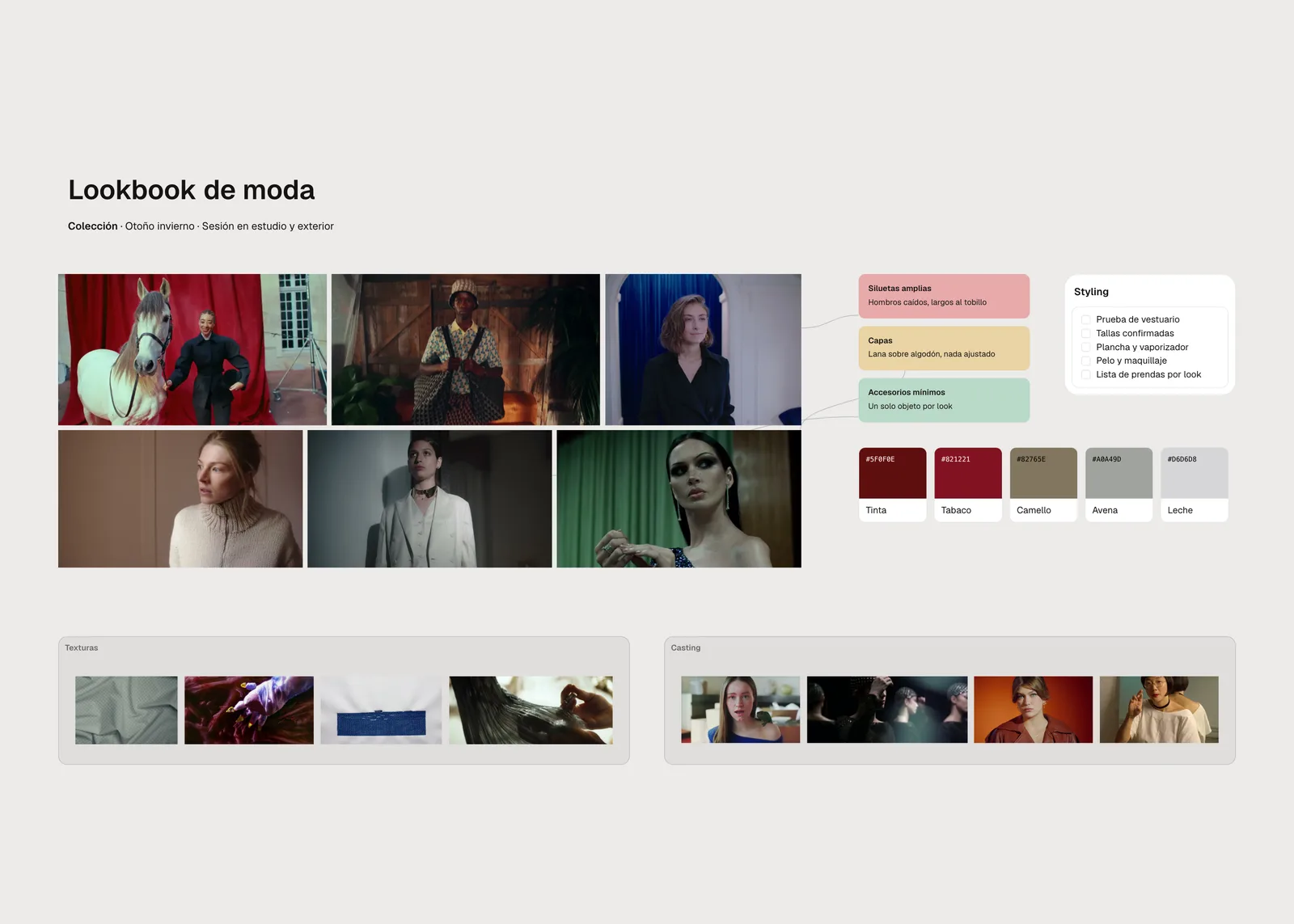
Fashion lookbook
Draftt
The moodboard of a shoot or a collection: a collage of references, the styling notes connected to each image, the palette with its names, the textures and the casting.
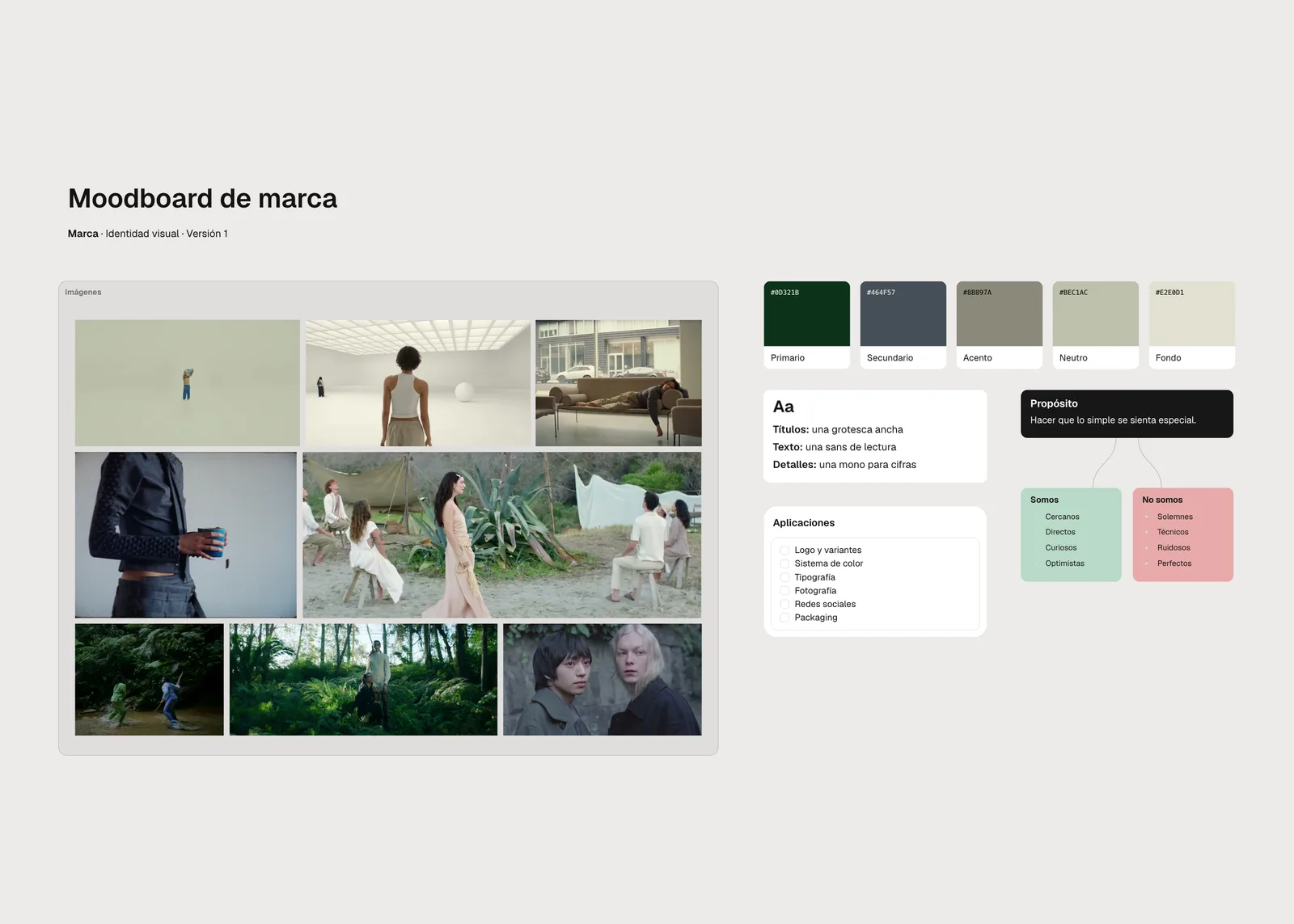
Brand moodboard
Draftt
A brand's visual base on one board: images that stand for it, the palette with names and hex codes, the typography, the tone of voice (what it is and what it is not), its purpose and where it will be applied.
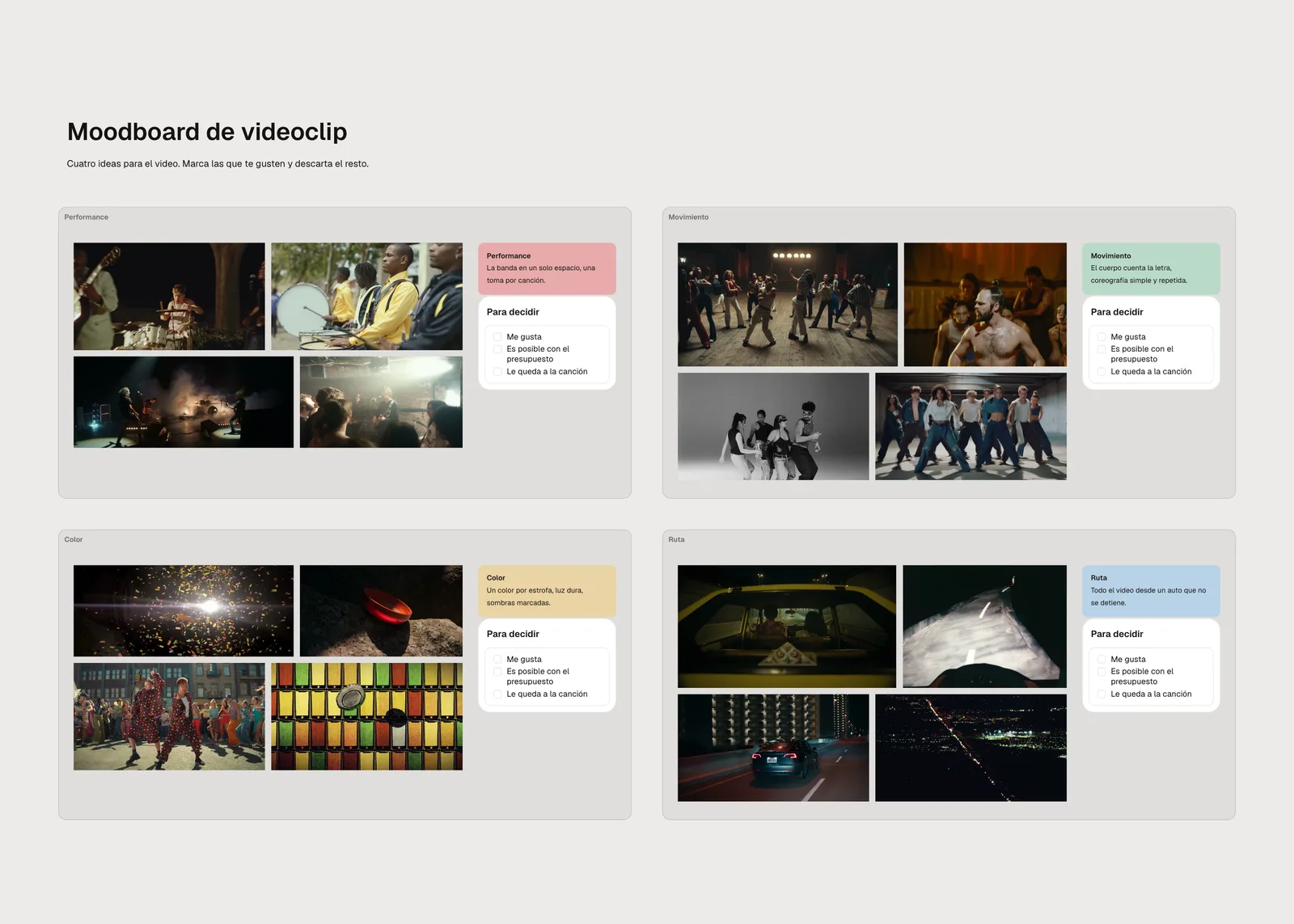
Music video moodboard
Draftt
A wall of references for a music video, grouped into four possible ideas (the performance, the movement, the color, the road), each with its note and a checklist to decide.
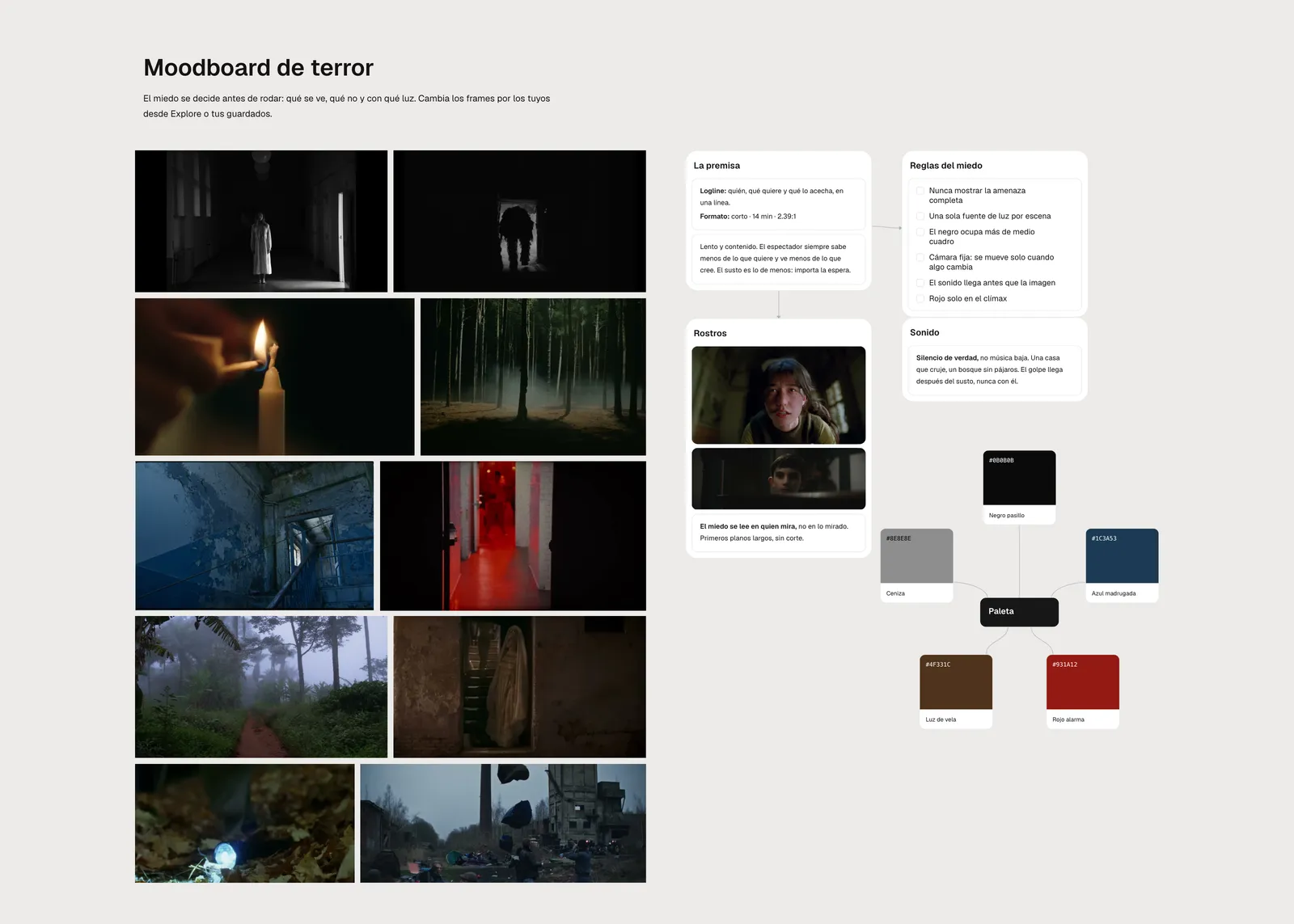
Horror moodboard
Draftt
A moodboard to decide a horror film's fear: what stays in the dark, where the light comes from, the faces and the place.
Video on the board
Videos under 100 MB play inline, so a reference reel sits next to the stills it inspired.
On your iPhone and iPad
Edit boards, add photos straight from the camera and search Explore away from the desk, in the app.
Your AI, invited
Claude, ChatGPT, Codex and Gemini connect through MCP and build the board with you.
Frequently asked questions
What is a mood board?
A board of images, colors, type and notes that sets the look and feel of a project before it is made: a film, a commercial, a brand. It gets everyone agreeing on the same picture before anyone shoots or designs.
Is Draftt's mood board maker free?
There is a free plan with 2 boards and 50 saved Explore frames. Pro removes those limits for US$12 a month.
Can I use my own images?
Yes. Upload them, drop them on the board, paste them, or save them from any page with the browser extension. They stay in your library, searchable, for the next board.
How do I share a mood board?
Invite people to edit or comment, or turn on its public link: anyone with it sees the board, with no account needed.
Is there a mood board app for iPhone?
Yes. Draftt's iPhone and iPad app edits boards and decks, adds photos from the camera and searches Explore by color or with a photo. There is no Android app yet.
Can AI make the mood board for me?
Connect Claude or ChatGPT through MCP and ask for the mood board of your project: it searches Explore and your saves and lays the frames on the board, where you keep editing.