Monthly plan template
DrafttOfficial template · Free
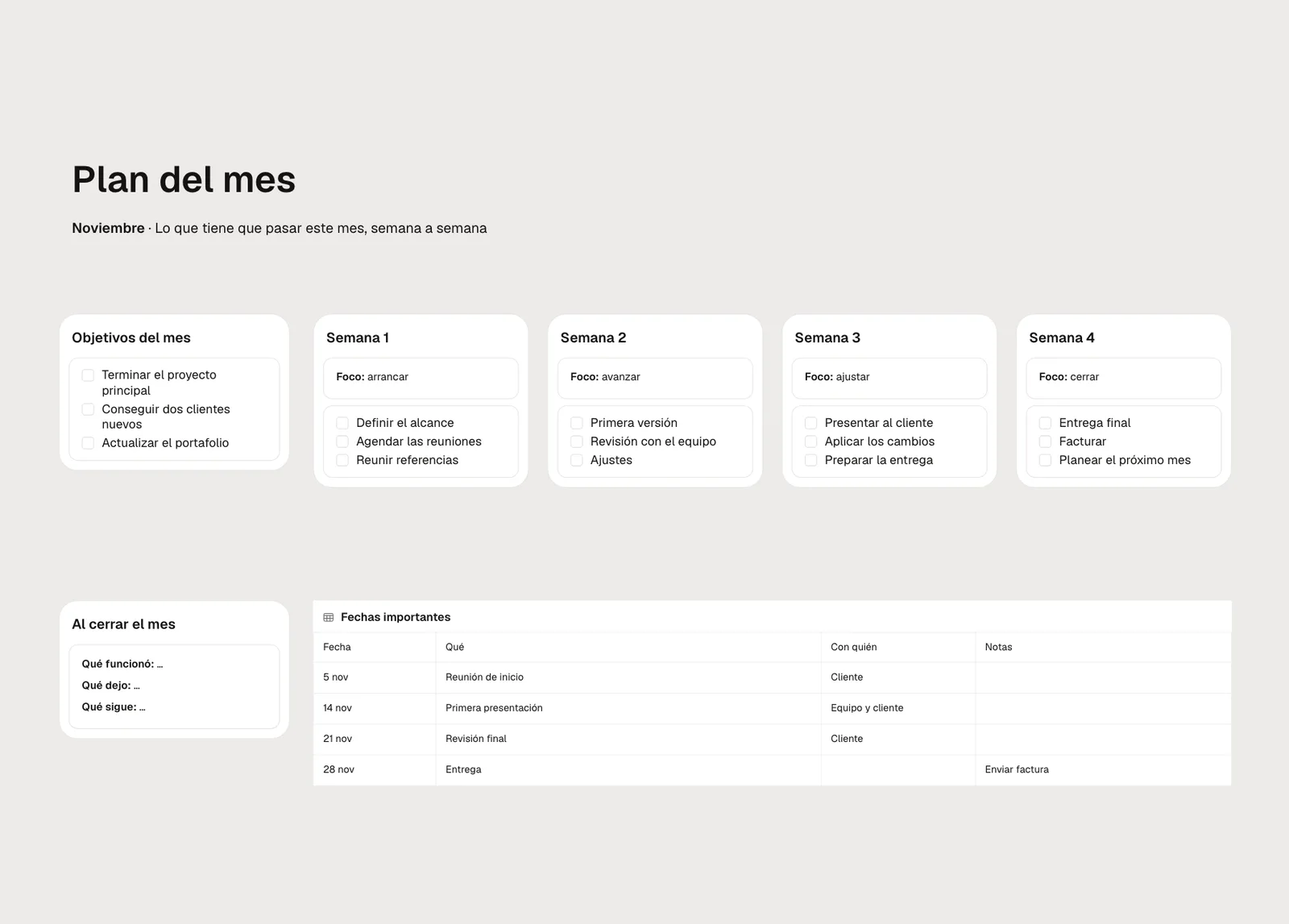
The month's goals broken down into four weeks, with the dates that matter and what you learned when it closed. For freelancers and teams who want to see the whole month at a glance.
About this template
A monthly plan brings your goals down to something you can start on Monday. This template opens with three goals in a checklist and spreads them over four weeks, each with a one-word focus: start, build, refine and close.
Each week is a card with its focus and three to-dos that follow the path of a job: define the scope and gather references, the first version and its review, present to the client and make the changes, the final delivery and the invoice. Next to them, a Key dates table (date, what, who with and notes) comes with four sample rows, from the kickoff meeting to the delivery. Below, Closing the month asks what worked, what you're dropping and what's next.
It works for freelancers, studios and small teams who want to see the whole month at a glance: an art director with two clients, a producer lining up shoots, a brand team with its launches.
How to plan your month, step by step
01
Pick goals you can check
Two or three, written so that on the last day you can say yes or no: “deliver the client's identity,” not “make progress on the identity.”
02
Write down what already has a date first
Meetings, deliveries, trips and holidays. What's left is your real time, and it's almost always less than you thought. If a goal doesn't fit in that space, it's better to move it today than on the 28th.
03
Give each week a single focus
Start, build, refine and close. The focus decides what gets done first when everything feels urgent, and it keeps the last week for finishing, not for starting new things.
04
Review it on Mondays
Check off what's done, move what's left and see whether the goals are still the same. If you give a to-do a person and a day with @, it shows up on that person's Home and they get a reminder the day it's due.
More planning templates
Weekly plan
Draftt
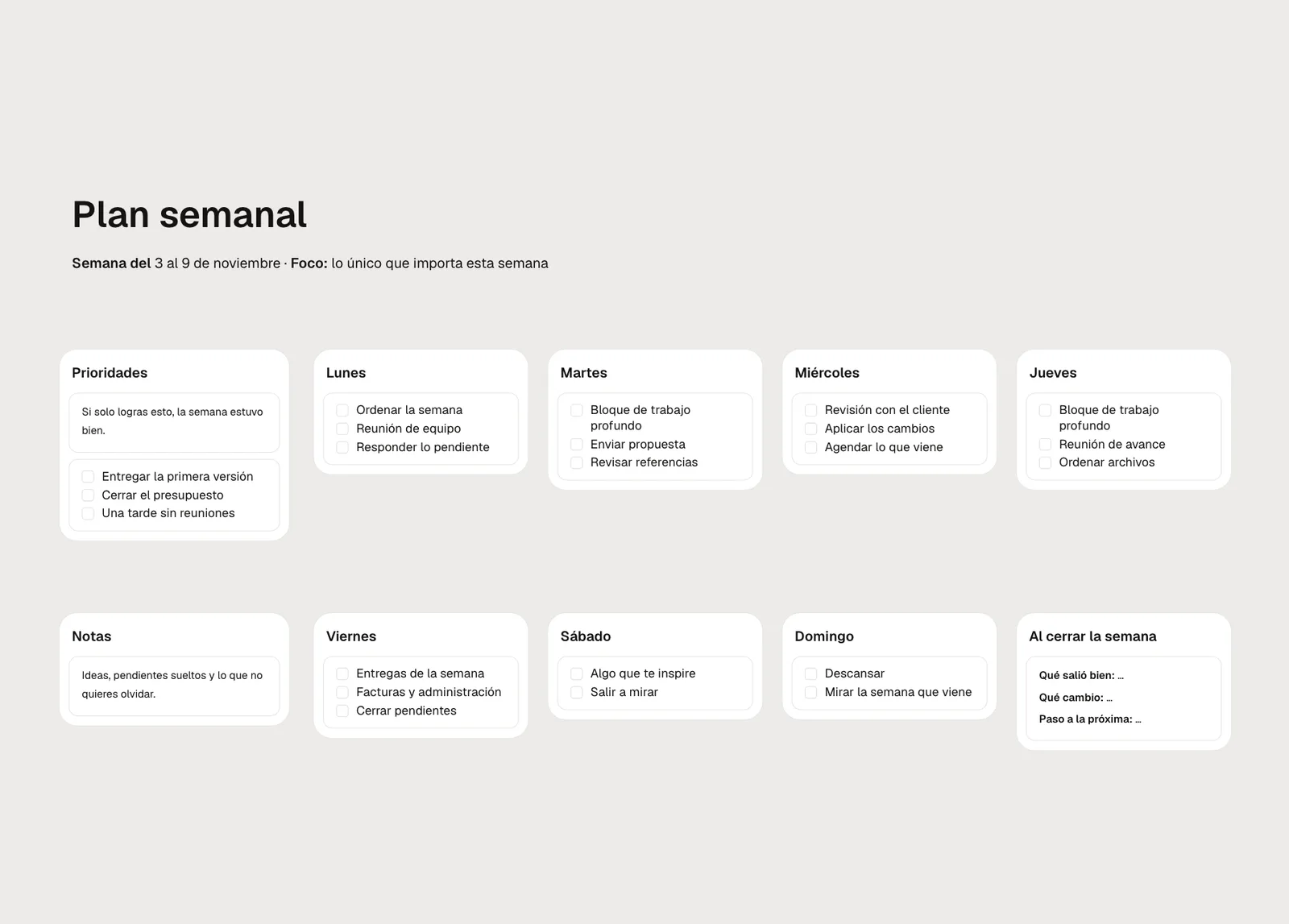
Your week on one board: the priorities in sight, each day with its to-dos and a moment to close it and move on to the next.
Project plan
Draftt
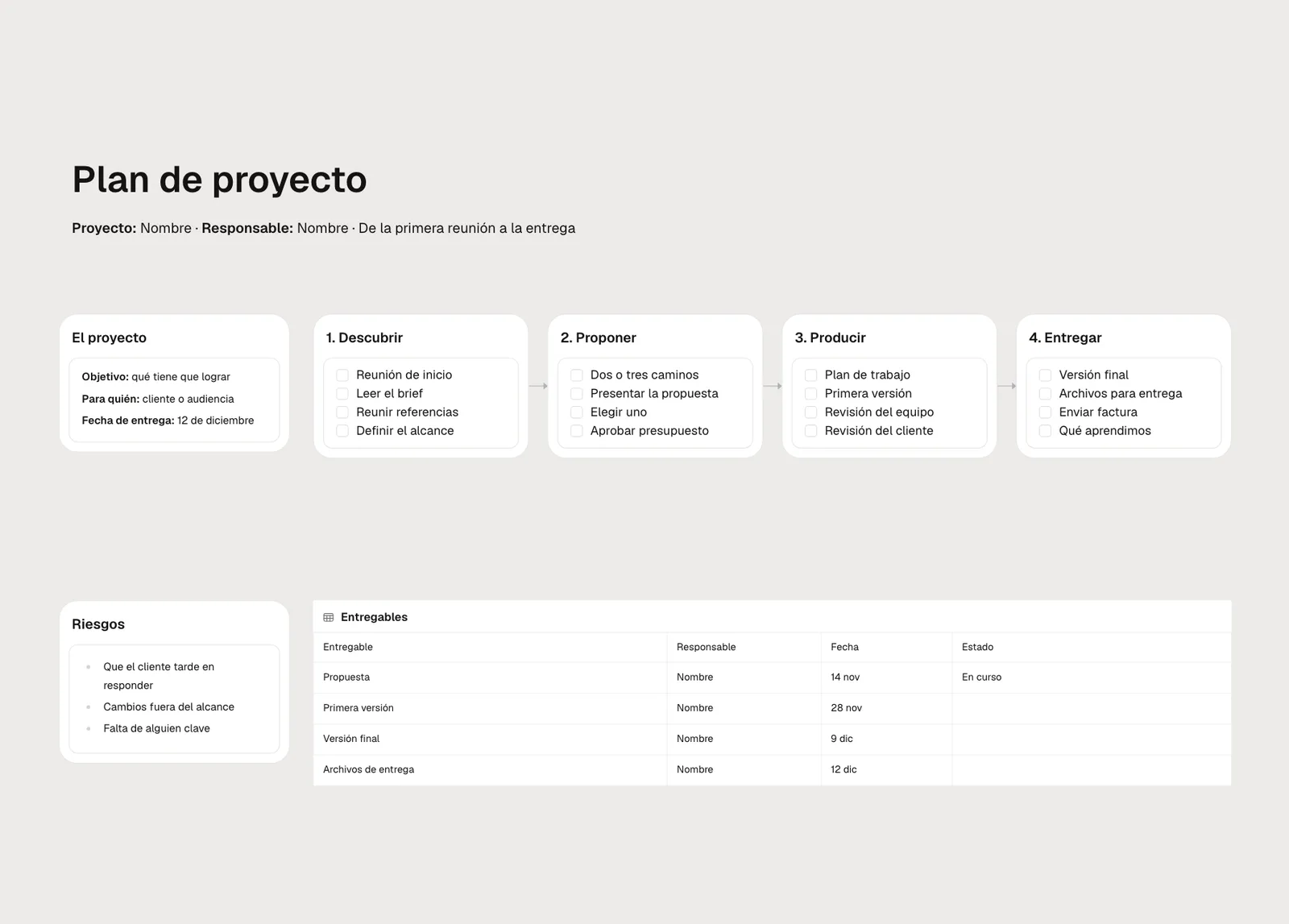
A project from the first meeting to delivery: four connected phases, the deliverables with an owner and a date, and the risks in sight.
Content calendar
Draftt
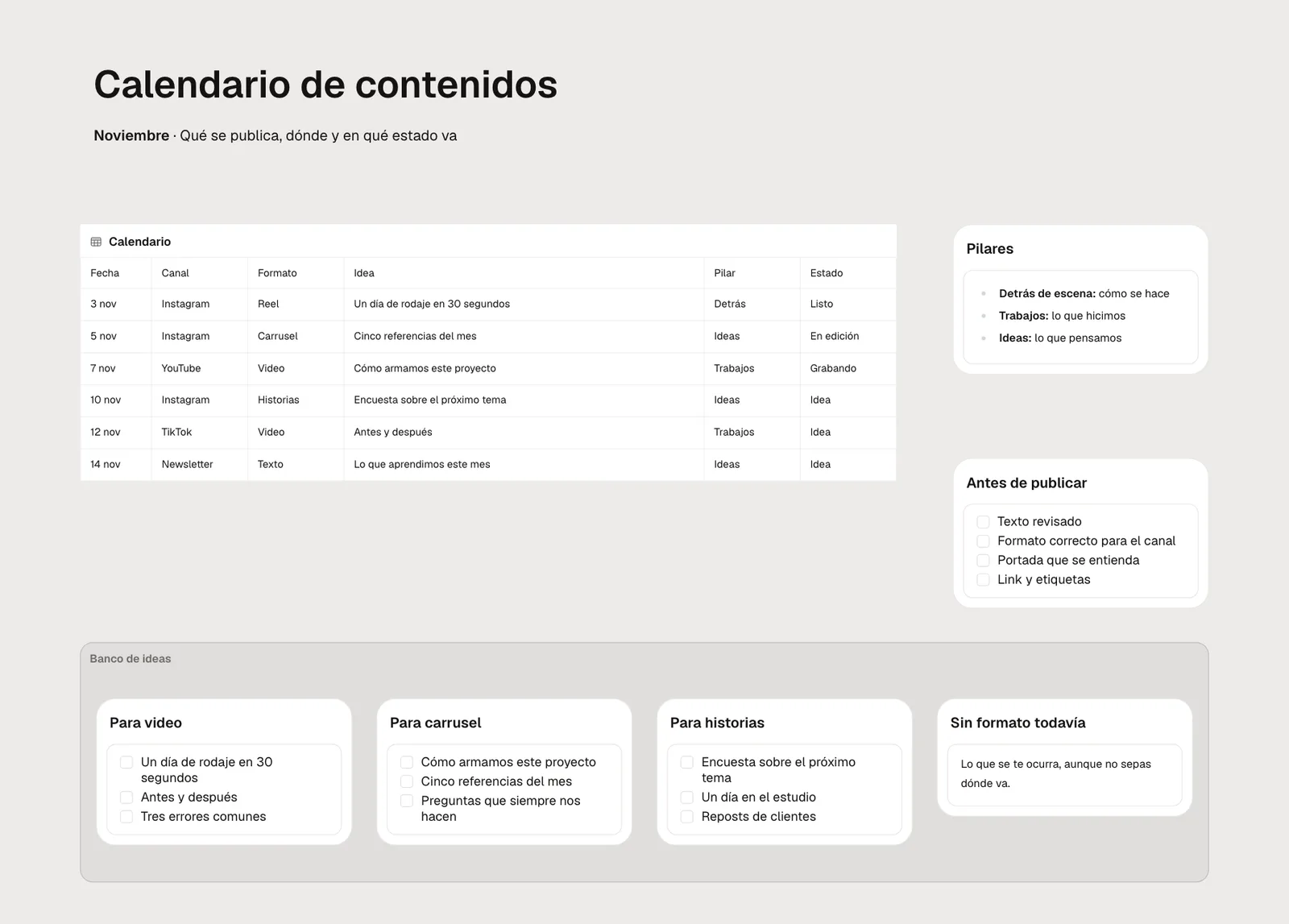
What gets published, when and on which channel, with your pillars, a checklist before posting and a bank of ideas by format.
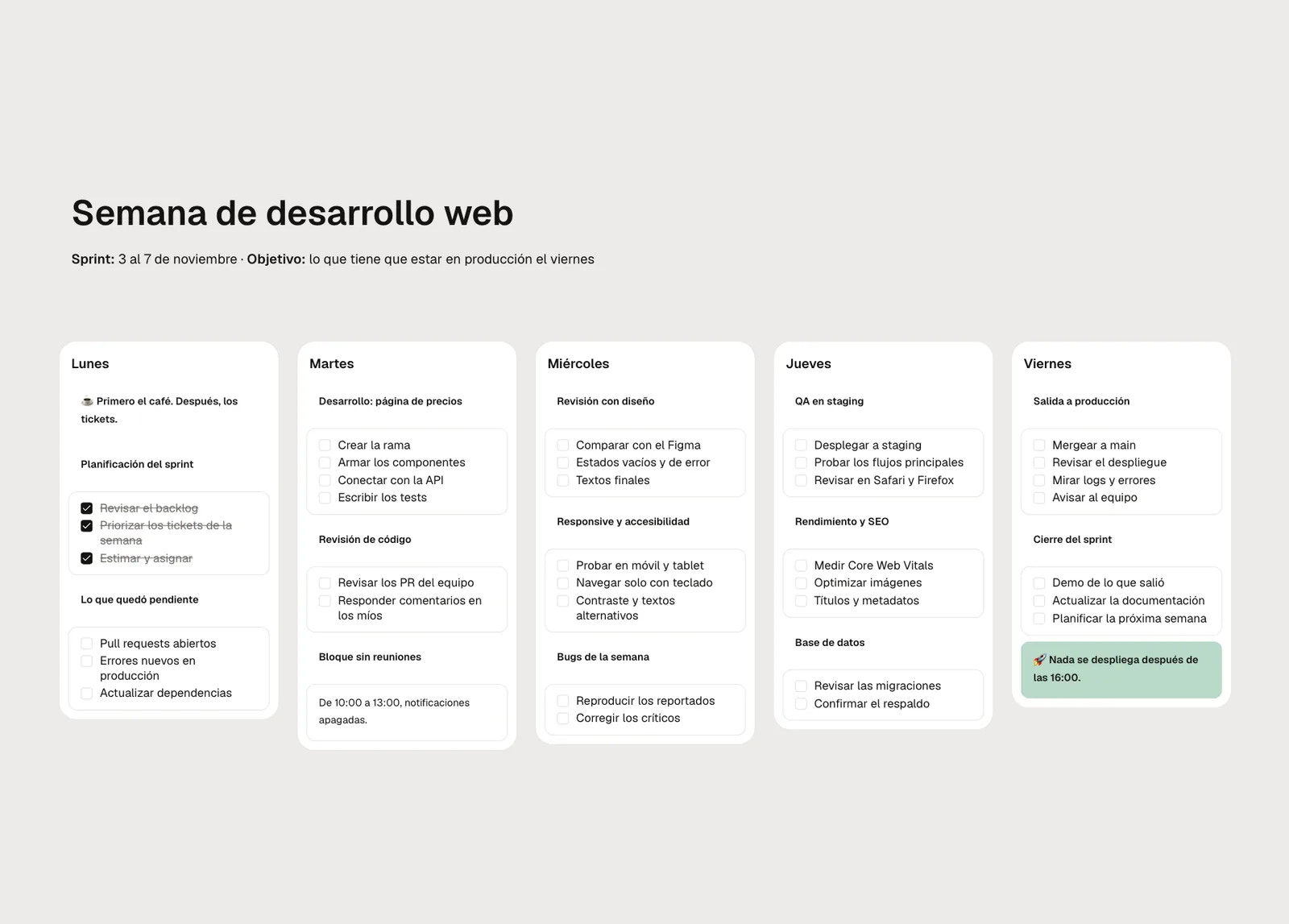
Web development week
Draftt
A week of development, Monday to Friday: plan the sprint, build, review with design, test on staging and ship to production.
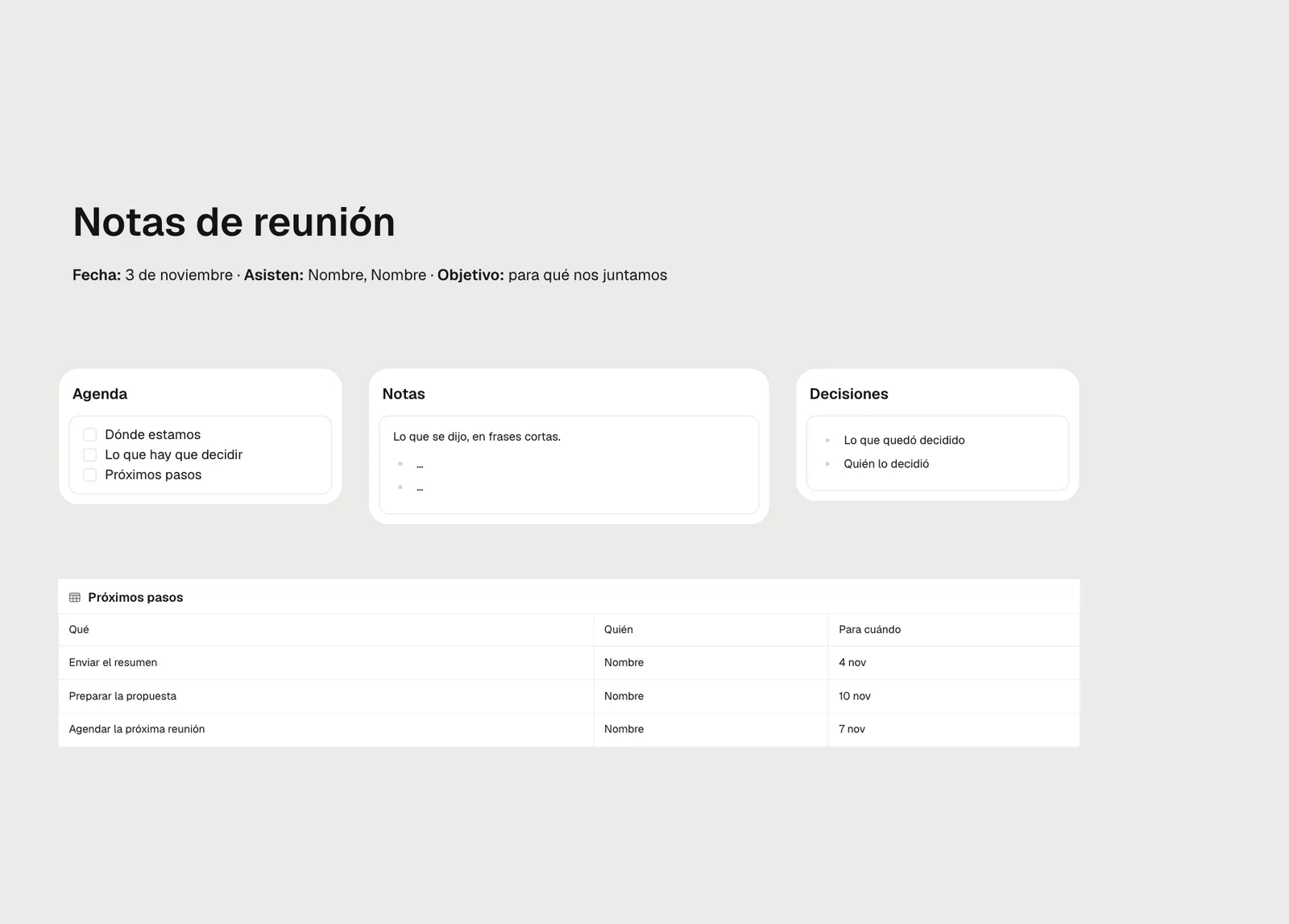
Meeting notes
Draftt
The agenda, what was said, what was decided and who does what by when.
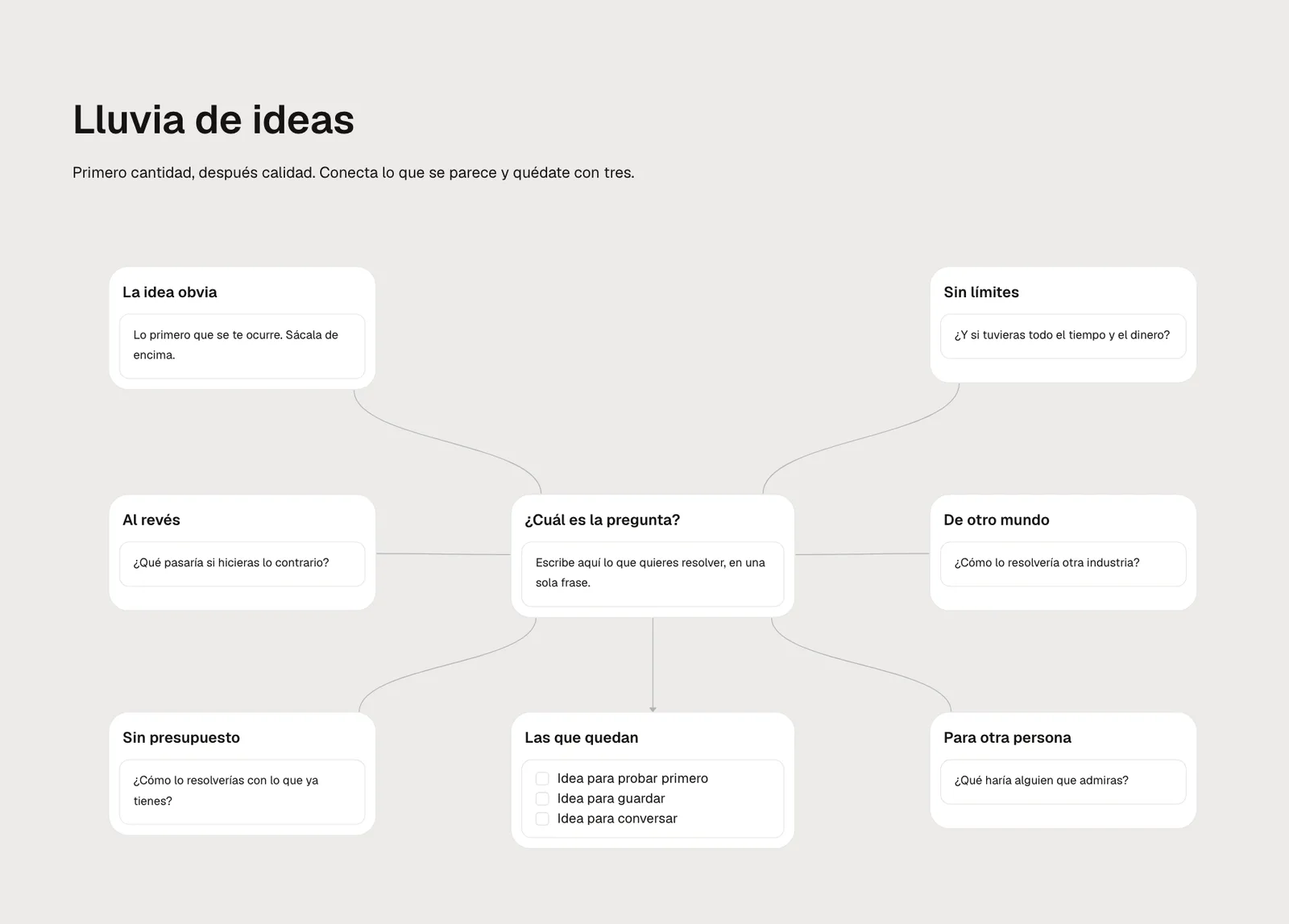
Brainstorm
Draftt
A question in the middle and six ways to look at it, to get past the first idea and end with three worth trying.
Frequently asked questions
- How do I make a monthly plan?
- Start with two or three goals you can check at the end of the month. Write down the dates that are already fixed, like meetings, presentations and deliveries. Then split the path into four weeks and give each one a focus and its to-dos. When the month ends, look at what worked before you plan the next one.
- Why give each week of the month a focus?
- Because a month of creative work has stages: at the start you gather and define, in the middle you produce, at the end you refine and deliver. Giving each week one word helps you say no to what isn't due yet. The template comes with start, build, refine and close, and you can change them.
- What's the difference between a monthly plan and a weekly plan?
- The monthly plan organizes goals and dates. The weekly plan gets down to what you do each day, Monday to Sunday. If your weeks change a lot, stick with the monthly plan and review its to-dos every Monday. If you need more detail, use both: the month as the map and the week as the list.
- Is the monthly plan template free?
- Yes. Draftt's free plan includes 2 boards, and using the template takes one. For the next month you don't need another: change the month in the header, uncheck the to-dos and fill in the weeks and the dates table again on the same board.