Weekly plan template
DrafttOfficial template · Free
Your week on one board: the priorities in sight, each day with its to-dos and a moment to close it and move on to the next. For keeping creative work in order, yours or a small team's.
About this template
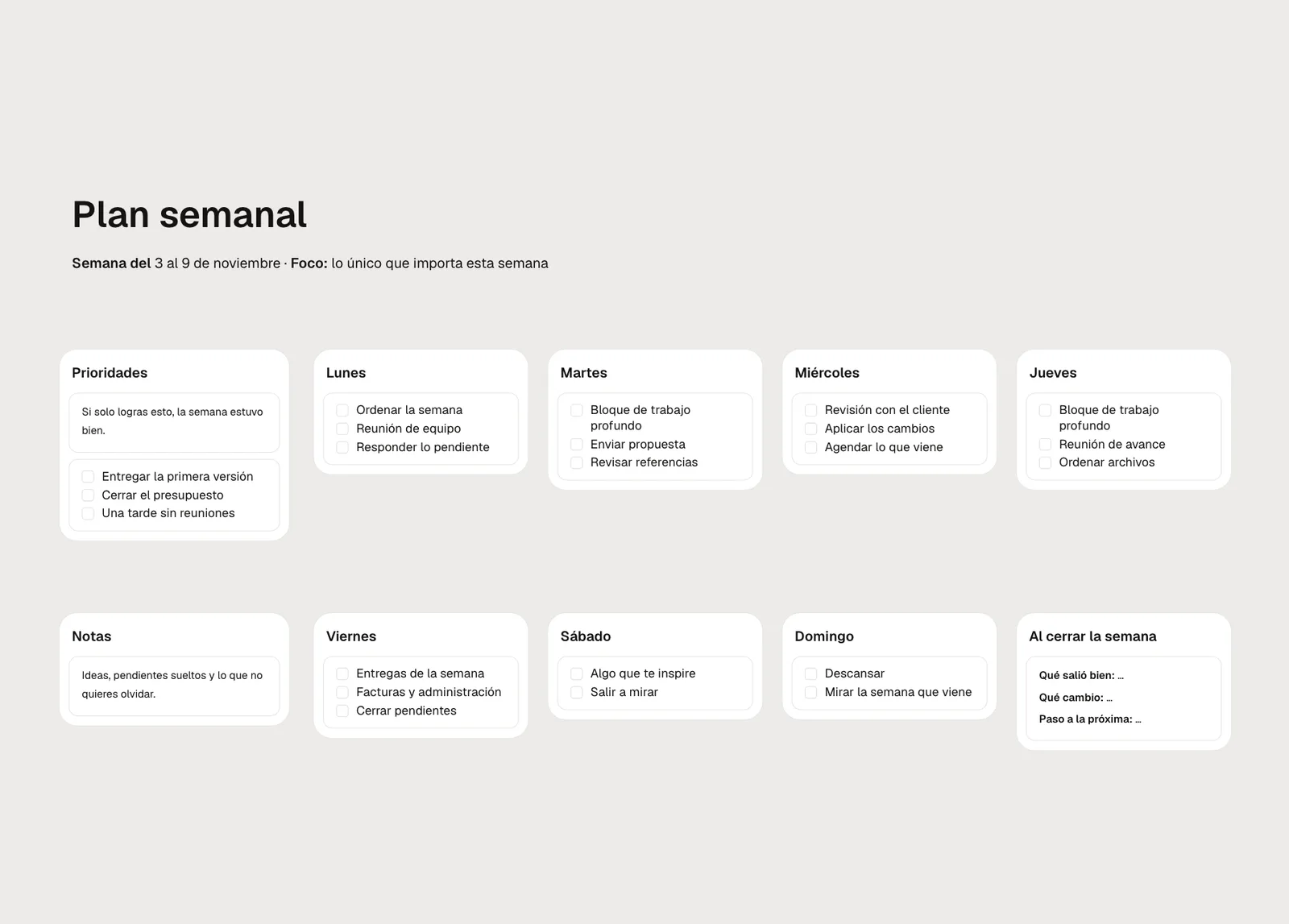
A weekly plan decides what matters before the week decides for you. This template puts the week's dates and focus at the top, along with a Priorities card that reads like a promise: if you only get these done, it was a good week. Everything else is spread out day by day.
The board has ten cards. On the left, Priorities and Notes, for ideas and loose to-dos. Then one card per day from Monday to Sunday, each with its checklist: three to-dos Monday through Friday and two on the weekend, which includes rest and get out and look around. At the end, Closing the week asks three questions: what went well, what you'd change and what moves to next week.
It's made for people who do creative work on their own or in a small team: a director between projects, a freelance producer, a design studio. Swap the sample tasks (send the proposal, the client review, the invoices) for your own and use it every week.
How to plan your week, step by step
01
Write three priorities before the list
Start with what absolutely has to happen, and write it as an outcome: “send the proposal,” not “work on the proposal.” If you wrote down five, you haven't prioritized yet.
02
Give everything a day
A to-do without a day drags on all week. Put only a few on each day and schedule the hard ones early, Monday to Wednesday. Type @ in a row to give it a date: Draftt reminds you that day and shows it under For you, on your Home.
03
Leave empty space
What you didn't plan will show up anyway. If you fill all five days, the first surprise knocks the plan over. Leave Friday half empty and keep one afternoon with no meetings for the work that needs focus.
04
Close the week in ten minutes
On Friday, answer what went well, what you'd change and what moves to next week. Anything that moves from one week to the next for the third time isn't a to-do: it's something to delegate, shrink or delete.
More planning templates
Monthly plan
Draftt
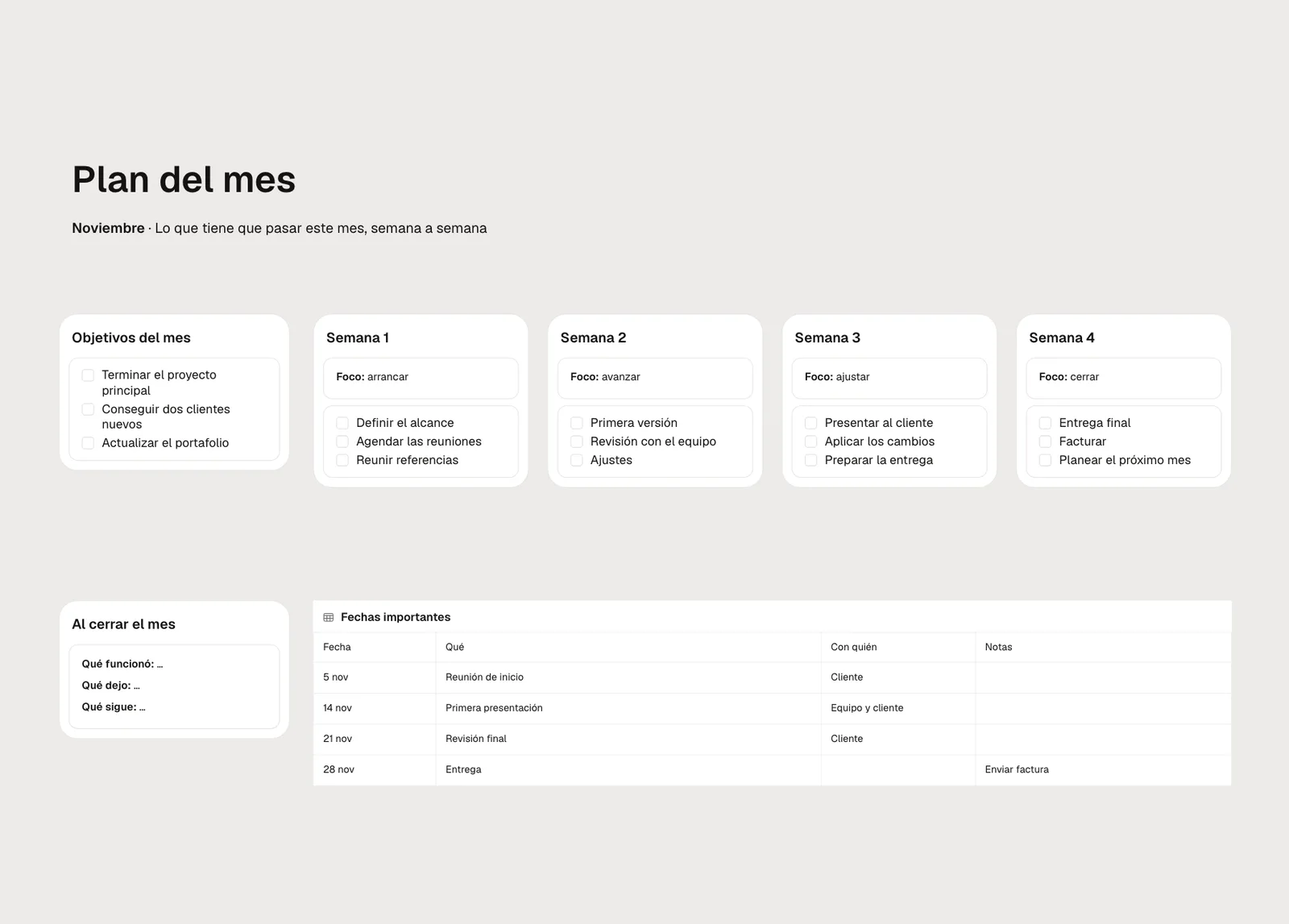
The month's goals broken down into four weeks, with the dates that matter and what you learned when it closed.
Web development week
Draftt
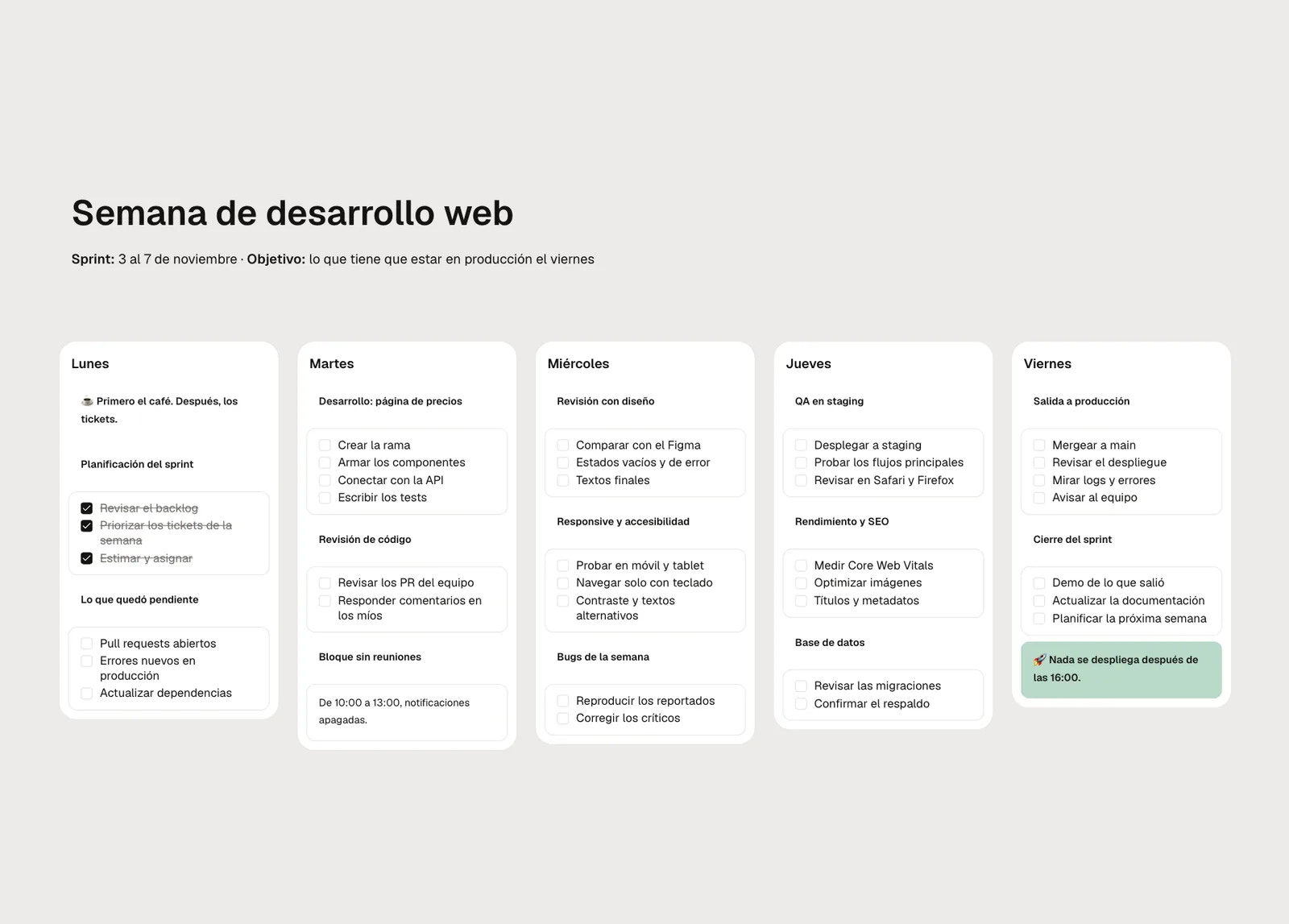
A week of development, Monday to Friday: plan the sprint, build, review with design, test on staging and ship to production.
Project plan
Draftt
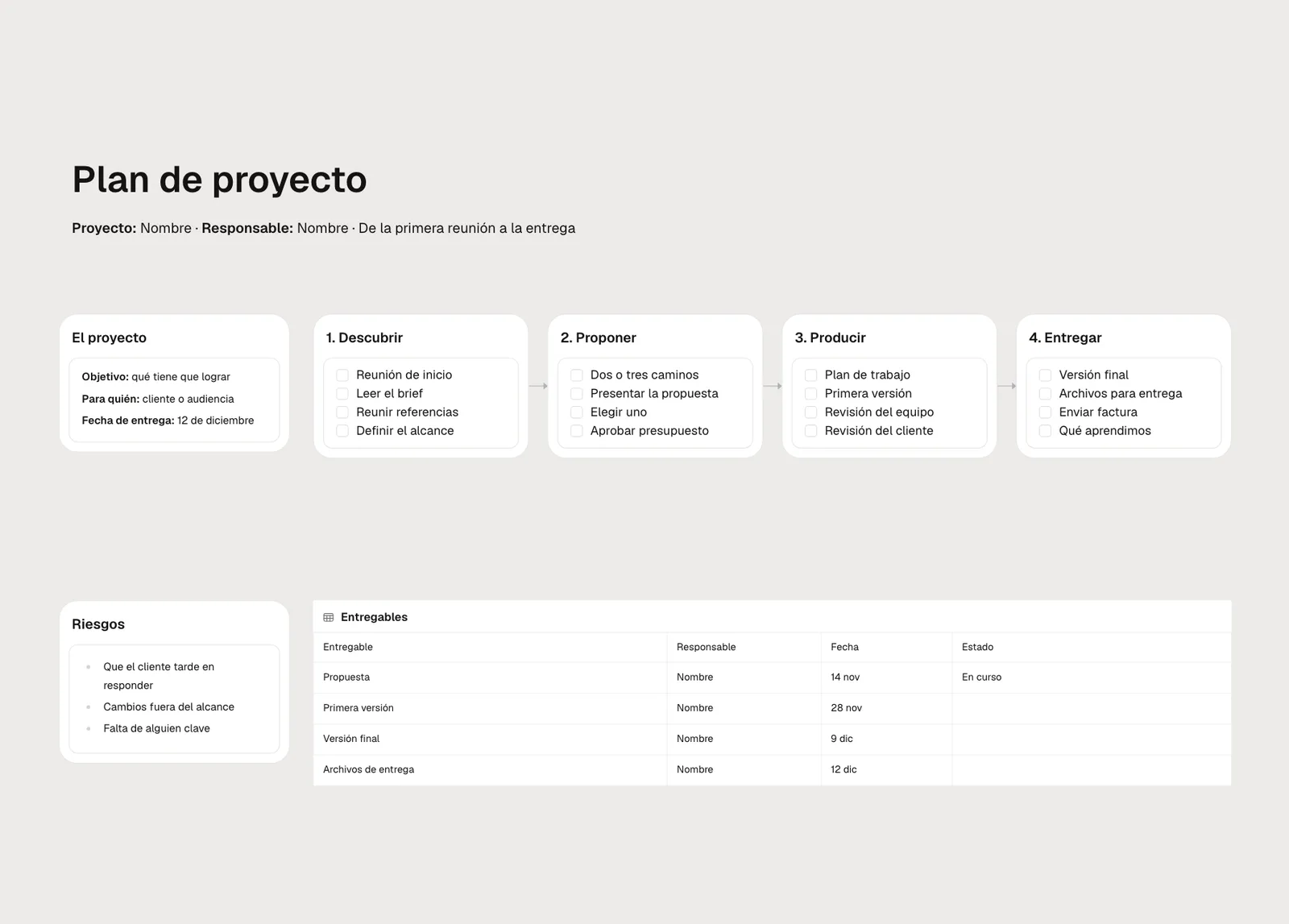
A project from the first meeting to delivery: four connected phases, the deliverables with an owner and a date, and the risks in sight.
Content calendar
Draftt
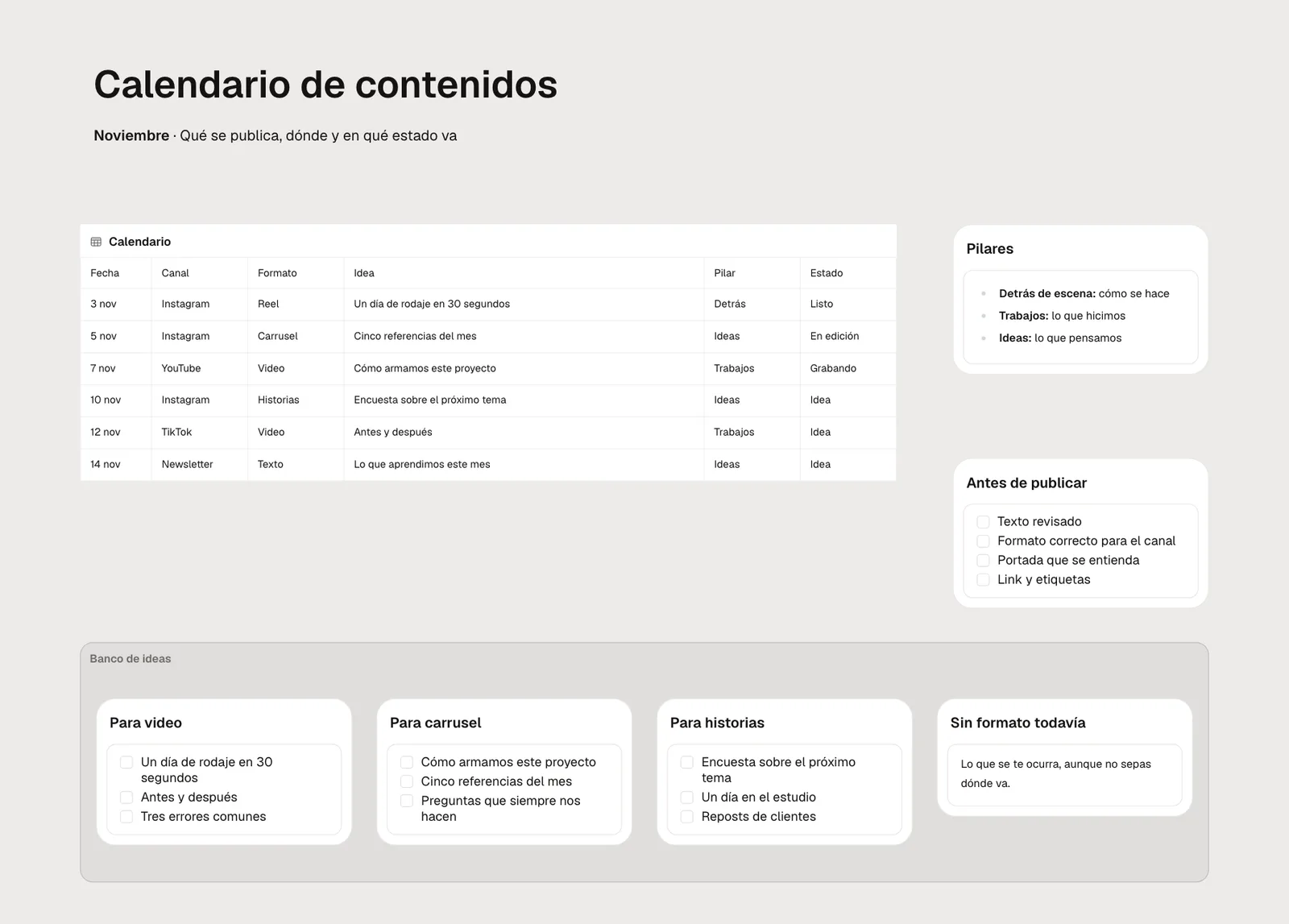
What gets published, when and on which channel, with your pillars, a checklist before posting and a bank of ideas by format.
Meeting notes
Draftt
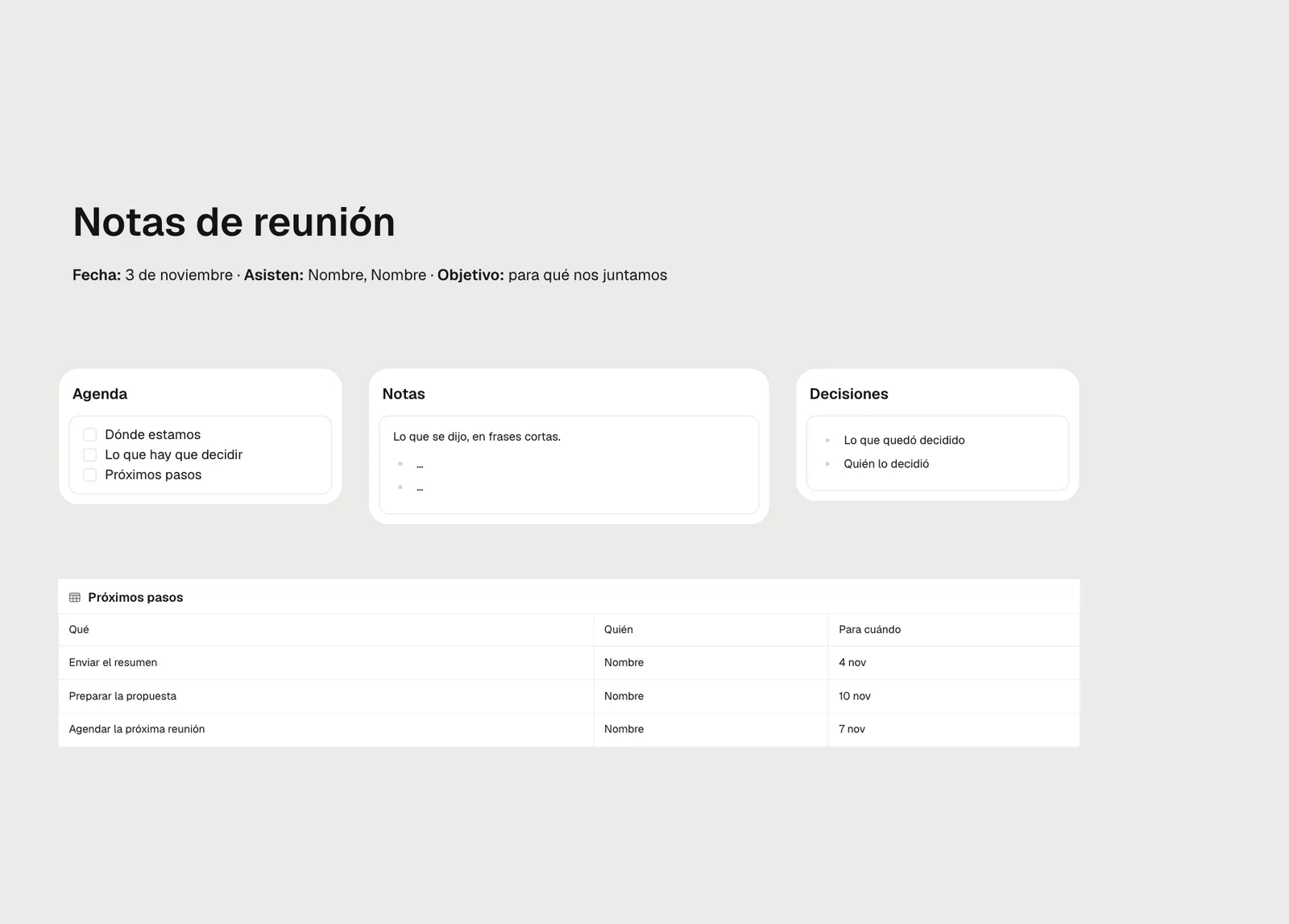
The agenda, what was said, what was decided and who does what by when.
Brainstorm
Draftt
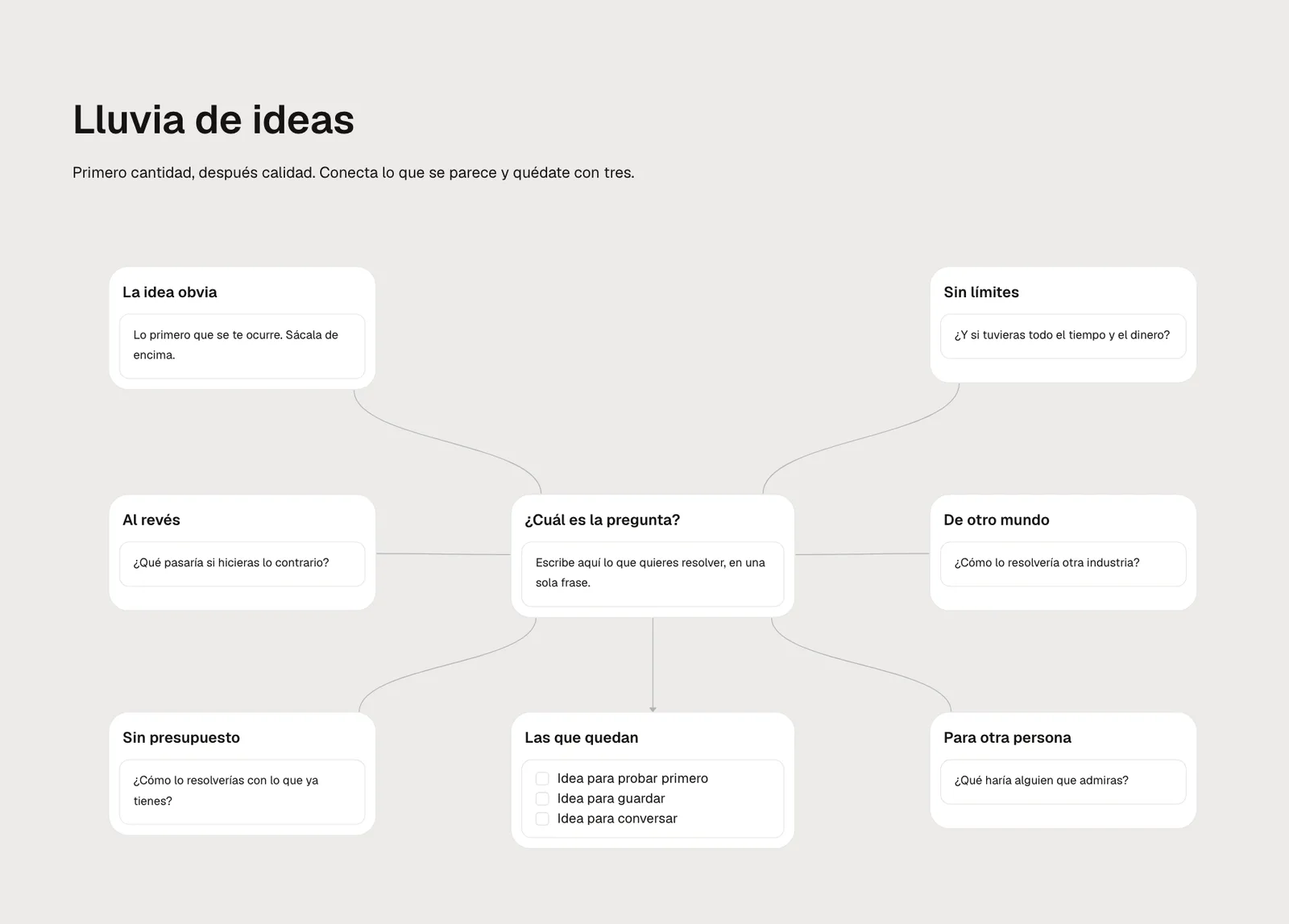
A question in the middle and six ways to look at it, to get past the first idea and end with three worth trying.
Frequently asked questions
- How do I make a weekly plan?
- Start with what absolutely has to happen: two or three priorities, no more. Then spread the rest across the days and leave blocks with no meetings for the work that needs focus. At the end of the week, look at what went well, what you'd change and what moves to next week. This template has those three moments in its cards.
- What should I put in my weekly priorities?
- The things that, if they get done, make the week worth it even if the rest is left half done. They're usually deliveries or decisions, like sending a first version or finalizing a budget. The template also suggests protecting time, with one afternoon with no meetings, because time to think gets planned too.
- What's the difference between a weekly plan and a monthly plan?
- The weekly plan gets down to specific tasks for each day. The monthly plan stays one level up: goals, four weeks with one focus each and the key dates. Many people use both: the month to stay on course and the week to know what to do on Monday morning.
- Can I use a weekly plan with my team?
- Yes. Share the board or create it in a team. Each to-do can have a person and a day: type @ in the row and choose. Those tasks show up under For you, on each person's Home, sorted by date, and Draftt reminds each person of what's due that day.
- Is the weekly plan template free?
- Yes. Draftt's free plan includes 2 boards, and using the template takes one. If you use it every week, you don't need a new board: uncheck what's done, change the dates in the header and fill in the days again on the same board.