Web development week template
DrafttOfficial template · Free
A week of development, Monday to Friday: plan the sprint, build, review with design, test on staging and ship to production. For developers and web teams who want to see the whole week at a glance.
About this template
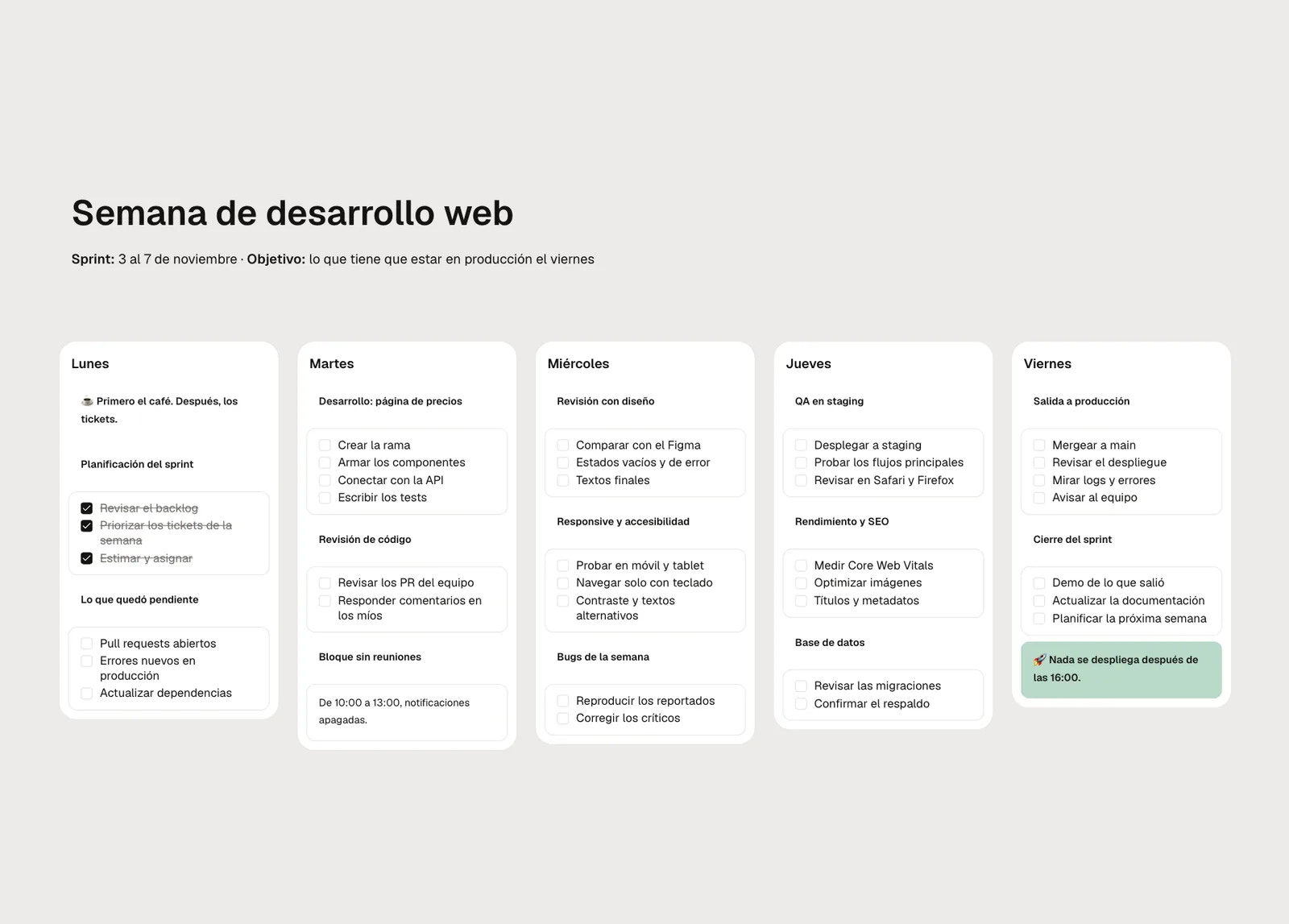
This template lays out a week of web development from Monday to Friday, from sprint planning to shipping to production. The header sets the sprint's dates and its goal: what has to be in production by Friday.
Each day is a card with two or three checklists. On Monday you plan the sprint and go over what's carried over: open pull requests, errors in production, dependencies. On Tuesday you build a sample pricing page, with code review and a no-meeting block from 10 am to 1 pm. On Wednesday you review with design, test responsive and accessibility, and fix bugs. Thursday is for QA on staging, performance, SEO and the database. On Friday it ships to production and the sprint wraps up with a demo, under one rule: nothing gets deployed after 4 pm.
It's for developers and small web teams, at a studio, an agency or a brand, who work side by side with design.
How to plan a one-week sprint
01
Set a single goal for Friday
Something someone can use in production: “the pricing page is live,” not “make progress on pricing.” Whatever doesn't help that goal waits for the next sprint, even if it's quick.
02
Cut the work into tasks of a day or less
A task that takes three days hides three tasks and a surprise. Split until each one can be finished and reviewed the same day, and assign them with @ so each person sees theirs on their Home.
03
Show design midweek
On Wednesday, with something that works even if it's ugly. Design changes on Thursday afternoon are the ones that sink Friday. Let design comment on the board about what they want to review.
04
Test on Thursday and deploy early on Friday
QA on staging, mobile, accessibility and performance a day ahead. The deploy goes in the morning, with time to watch for errors. Close with a short demo and note what moves to the next sprint.
More planning templates
Weekly plan
Draftt
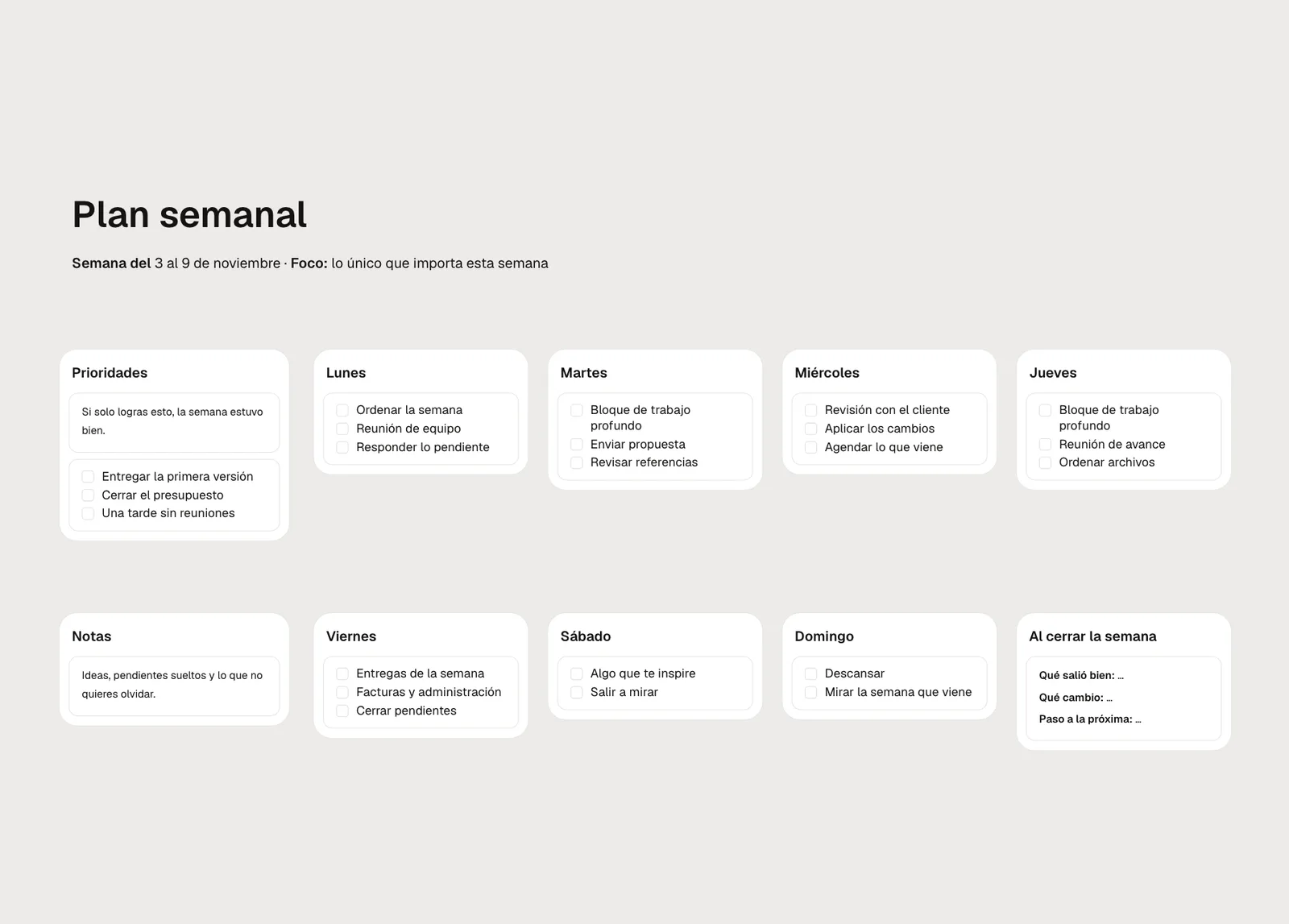
Your week on one board: the priorities in sight, each day with its to-dos and a moment to close it and move on to the next.
Project plan
Draftt
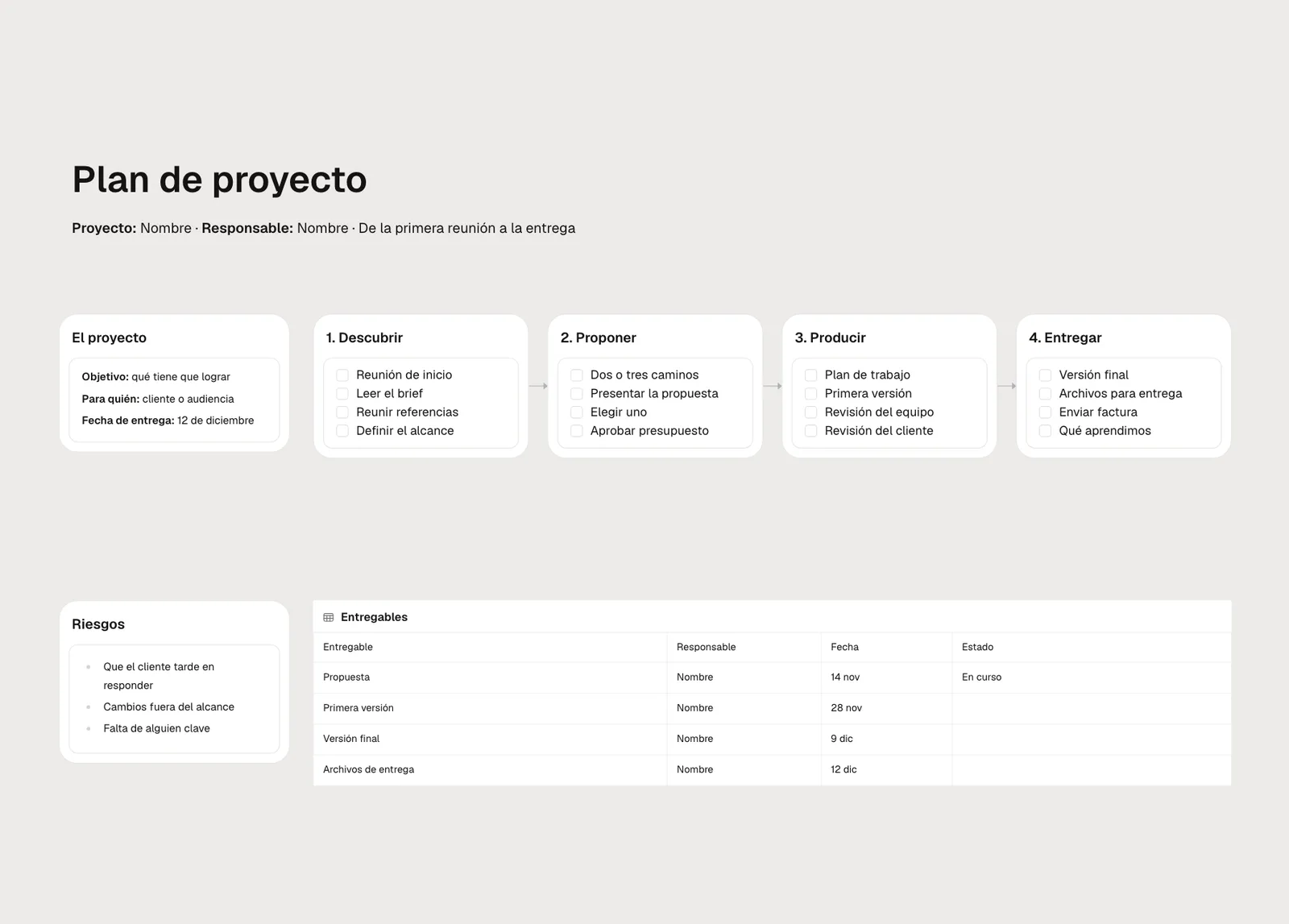
A project from the first meeting to delivery: four connected phases, the deliverables with an owner and a date, and the risks in sight.
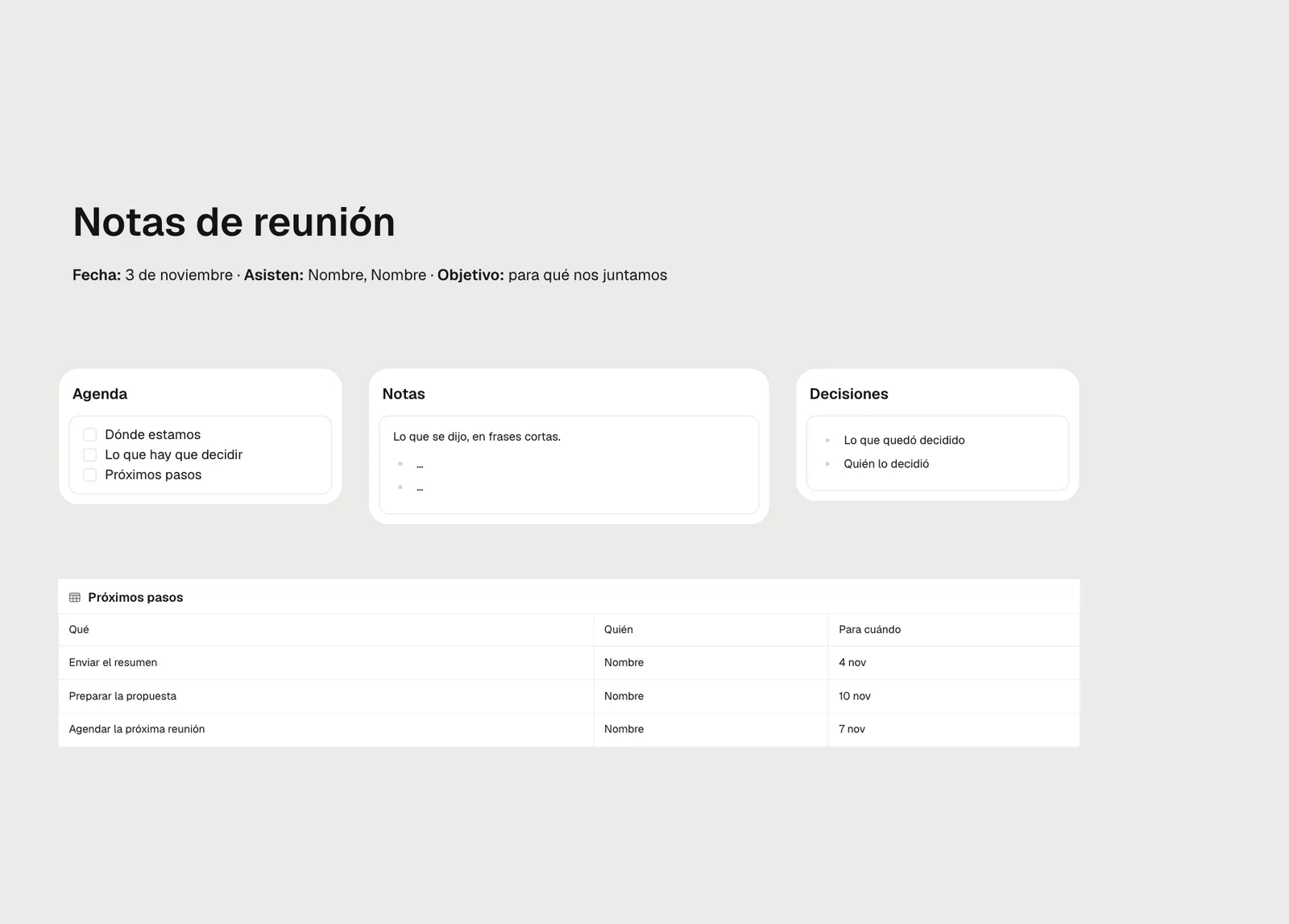
Meeting notes
Draftt
The agenda, what was said, what was decided and who does what by when.
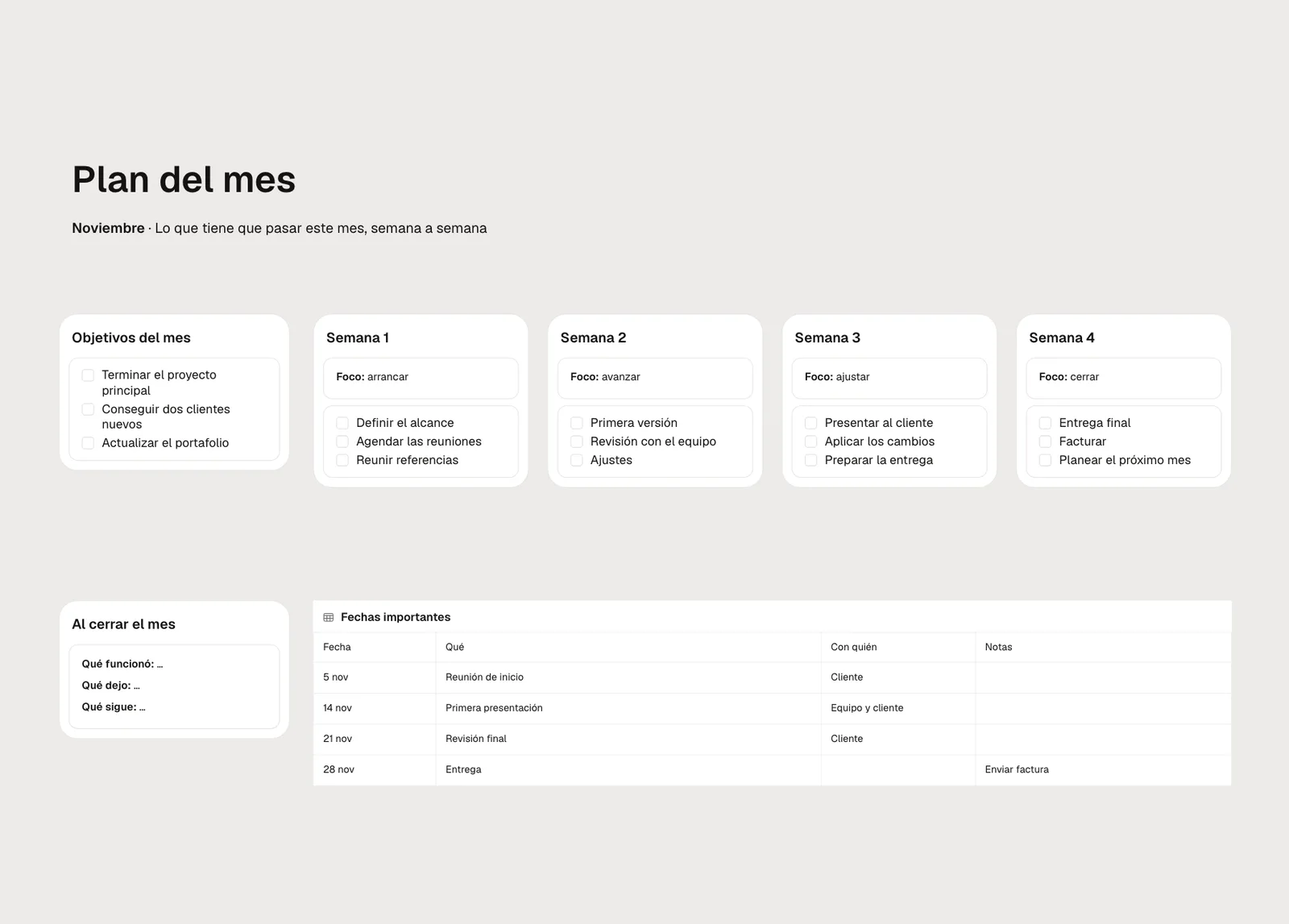
Monthly plan
Draftt
The month's goals broken down into four weeks, with the dates that matter and what you learned when it closed.
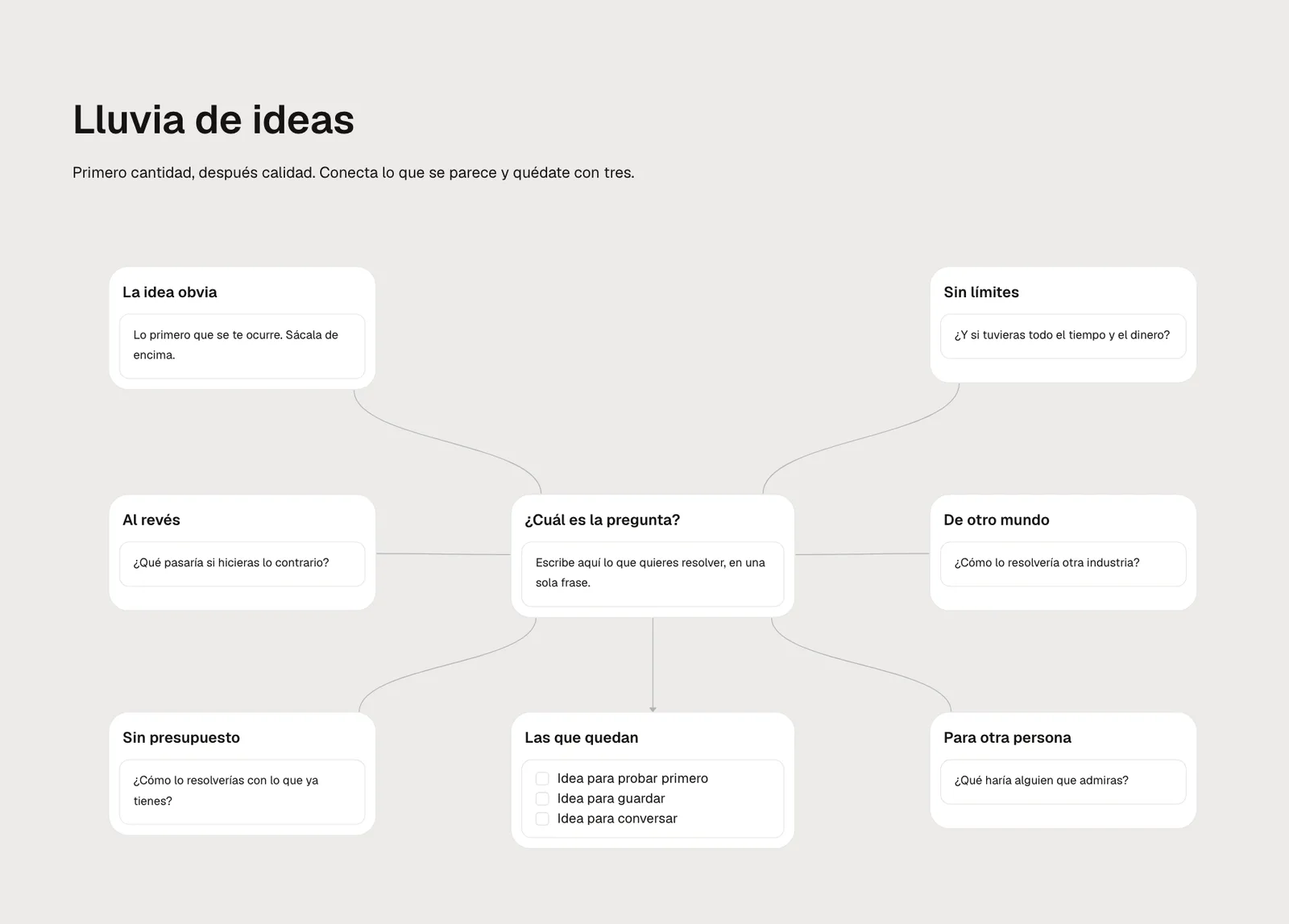
Brainstorm
Draftt
A question in the middle and six ways to look at it, to get past the first idea and end with three worth trying.
Frequently asked questions
- What is a sprint in web development?
- It's a short, fixed period, often one or two weeks, in which a team commits to finishing a set of tasks picked from the backlog. It starts with planning and ends with something working in production and a review of what got done. This template sets up a one-week sprint, Monday to Friday.
- Why not deploy after 4 pm on a Friday?
- Because if something breaks in production, you want the team around to fix it, not on a Friday night. The rule leaves the last part of the day for checking the deploy, watching logs and errors and letting the team know. You can change the time or the rule, but the board should say what it is.
- What's the difference between a sprint plan and a weekly plan?
- The weekly plan works for any kind of work and comes with seven days of to-dos, priorities and a wrap-up. This template is made for development: five days with the stages of a sprint already written, from planning and code review to QA on staging and shipping to production.
- Does it work for developers who work with designers?
- Yes. Wednesday has a design review that compares what was built against the design, checks empty and error states and the final copy. On the same board you can paste screenshots and references, and the designer can comment on each one at the exact spot.
- Is the web development sprint template free?
- Yes. Draftt's free plan includes 2 boards, and using the template takes one. When the sprint ends you can reuse the same board: uncheck the tasks, change the dates and the goal, and start the next week with what's carried over.